Checking voicemail remotely
-
Dial the main number associated with your account
-
When the IVR answers, push
*98or*97 -
When prompted, enter your mailbox number
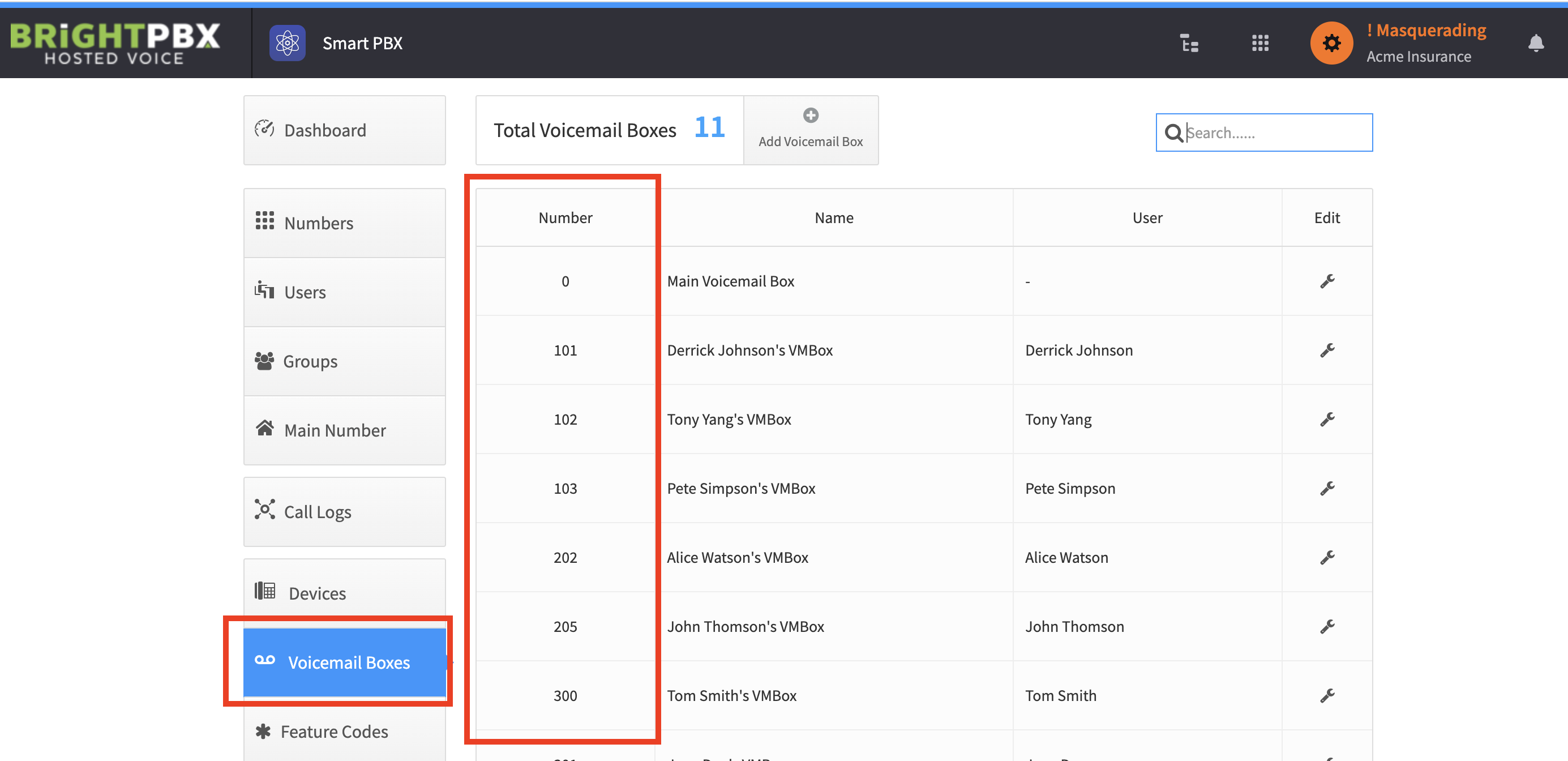
-
When prompted, enter your PIN
You will now be in your voicemail menu, just as if you had called from your own phone.