Saving incoming faxes to a drive share
If you prefer not to receive faxes through email, you can integrate our Fax Manager app with AWS to save faxes to an AWS S3 bucket.
-
First, you will need to set up your AWS integration. Follow these steps
-
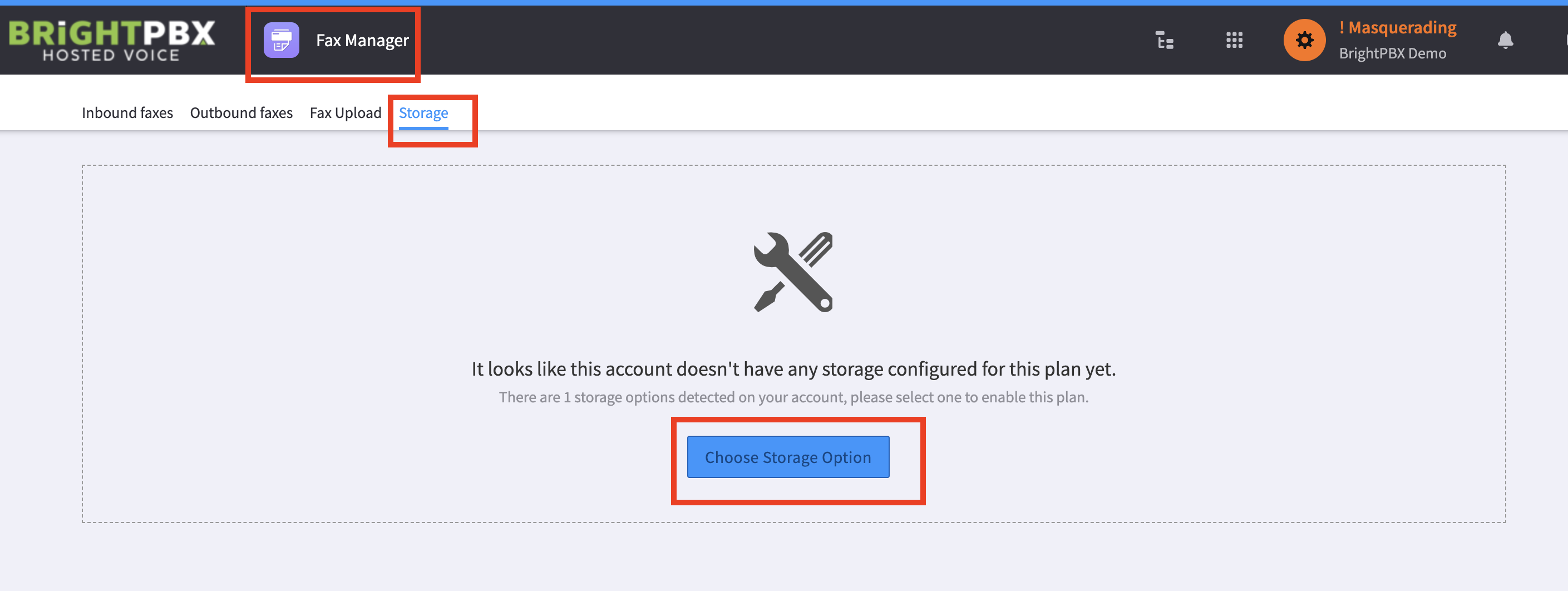
Once the AWS integration is set up, open Fax Manager and choose Storage > Choose Storage Option
-
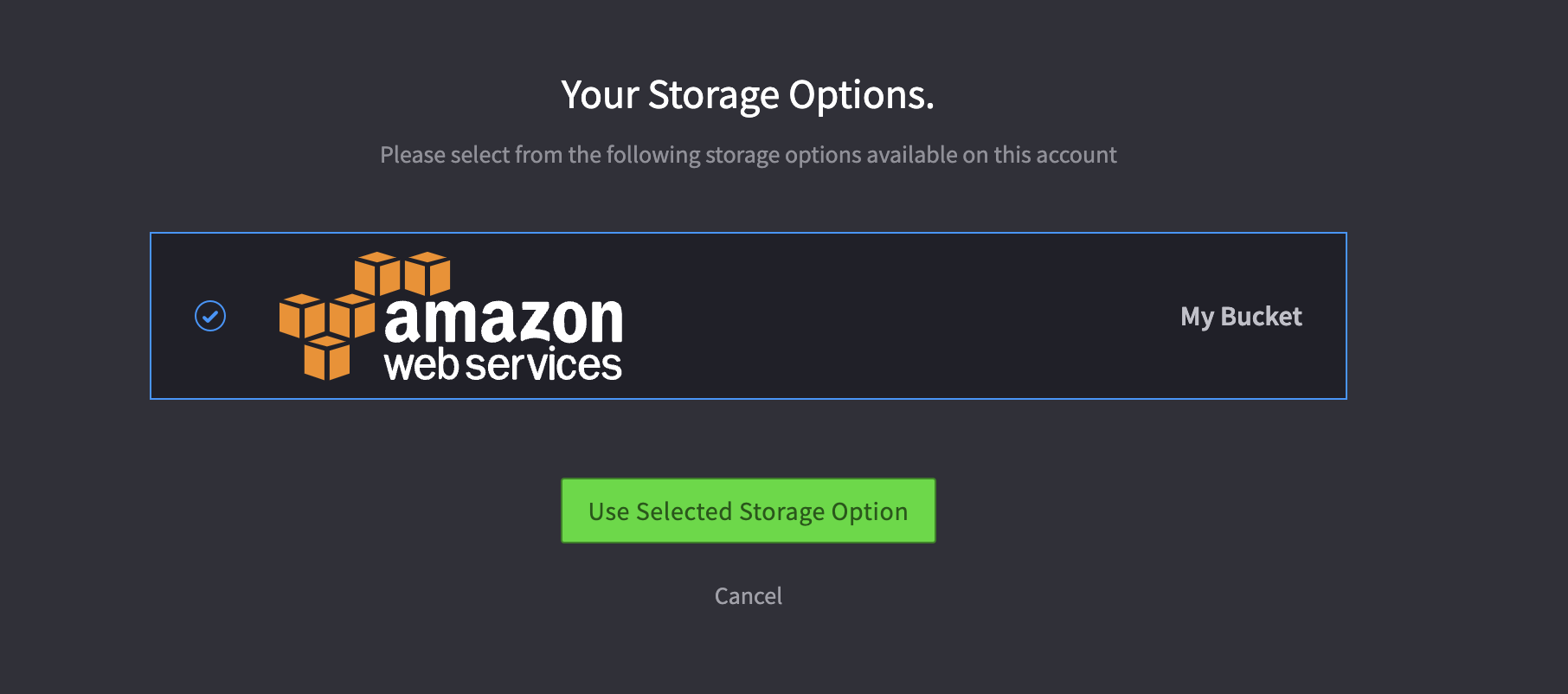
Click your bucket, and click Use Selected Storage Option
-
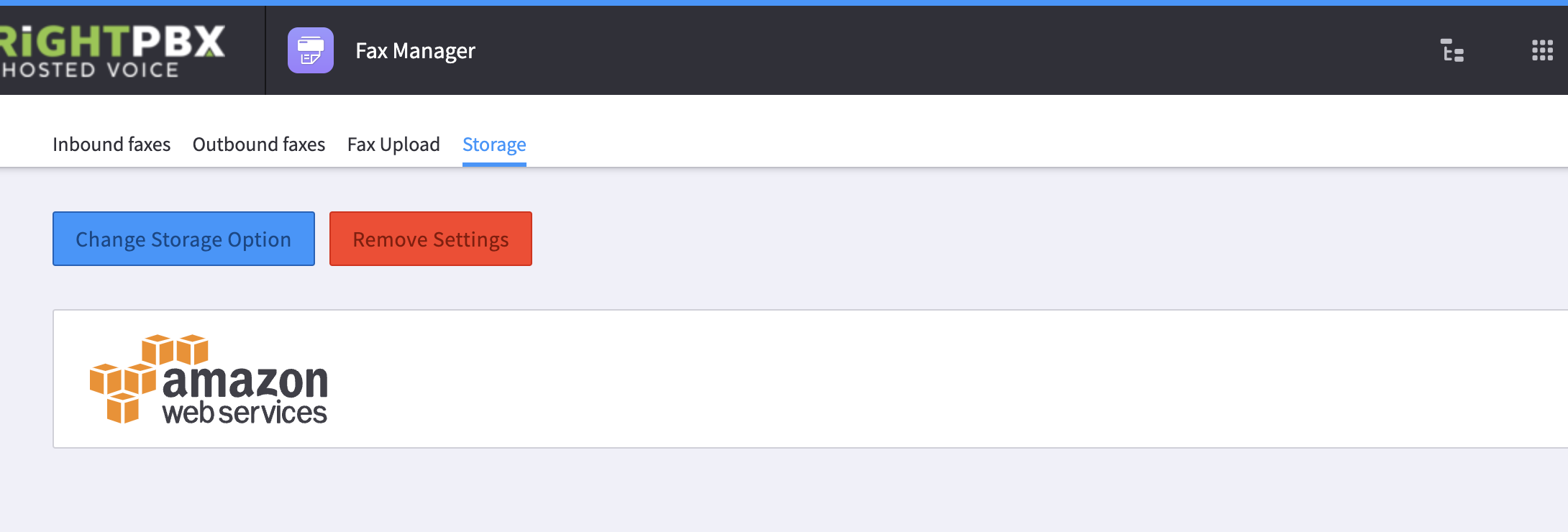
Your bucket will now be listed in the Storage section, and faxes should start to arrive in your AWS account.