Changing the port date
-
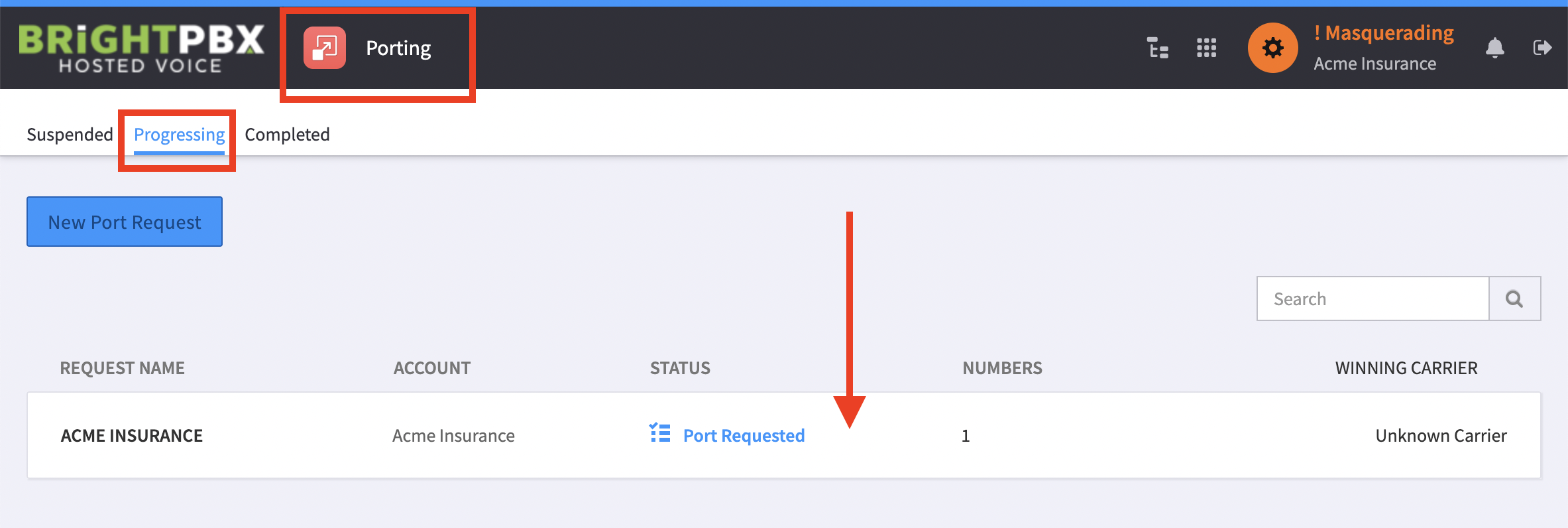
From the Porting Manager, choose Progressing, and click the port you want to edit.
-
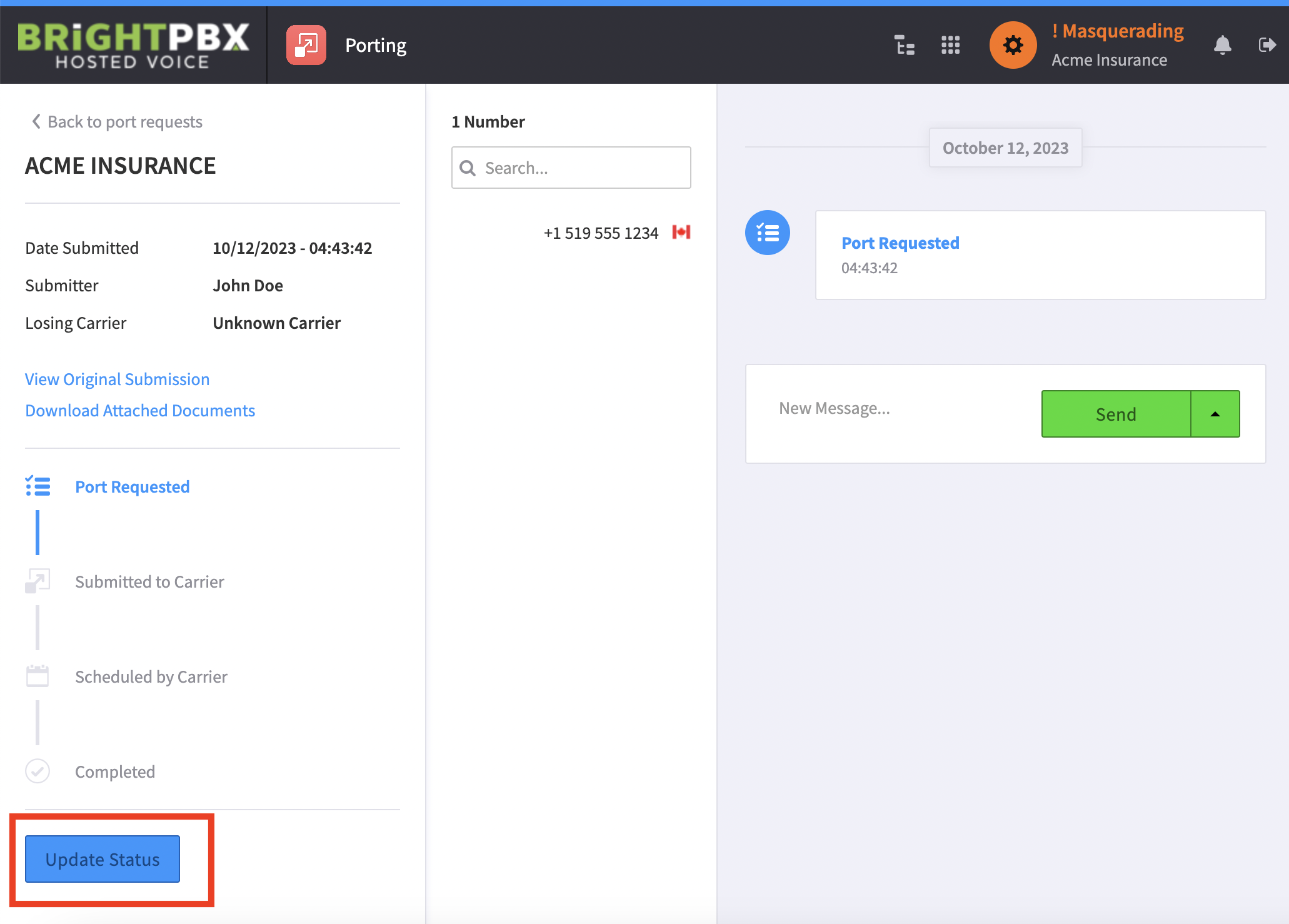
Verify the port has not yet been submitted to the carrier. If it has already been submitted, you will not be able to edit it. Otherwise, click Update Status to continue editing.
-
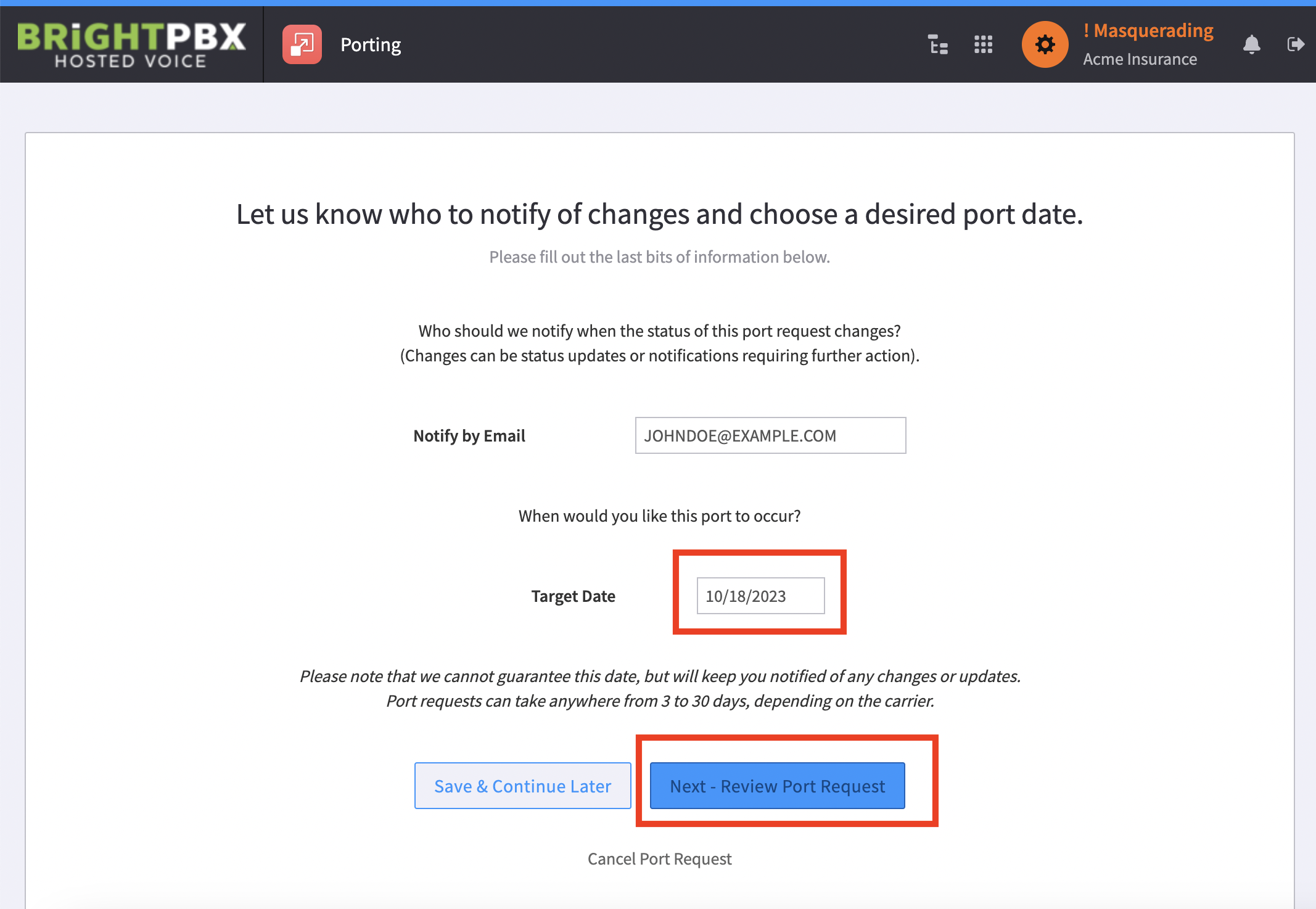
Scroll through the pages until you arrive at the page where you can choose the target date. Change this date accordingly, and then proceed through the rest of the pages to re-submit.