Operator Panel
Use the Operator Panel to see which users are currently on a call.
Call states
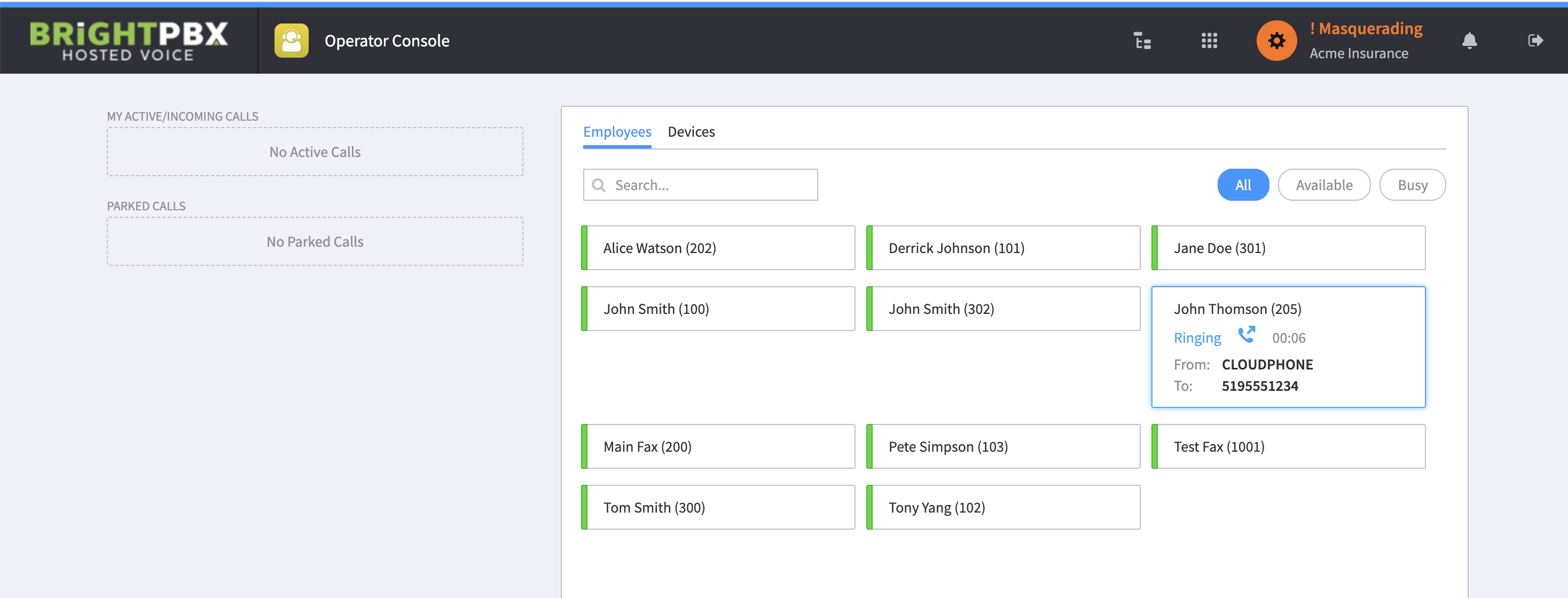
Section titled “Call states”The following shows that user John Thomson has dialled a number and it has been ringing for 6 seconds.
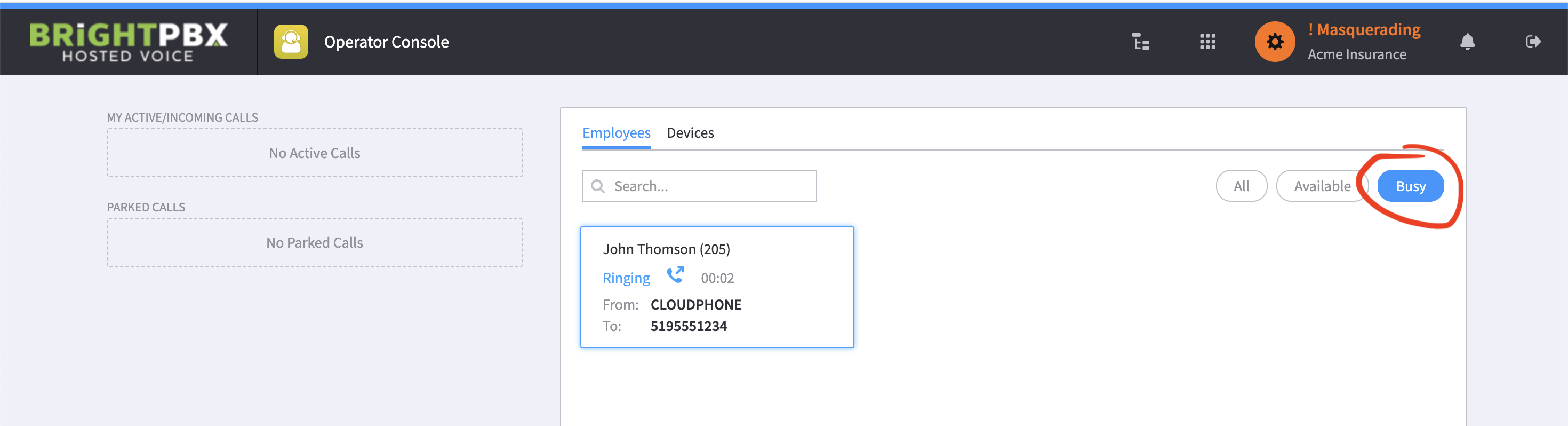
You can choose the Busy tab to only see active calls.
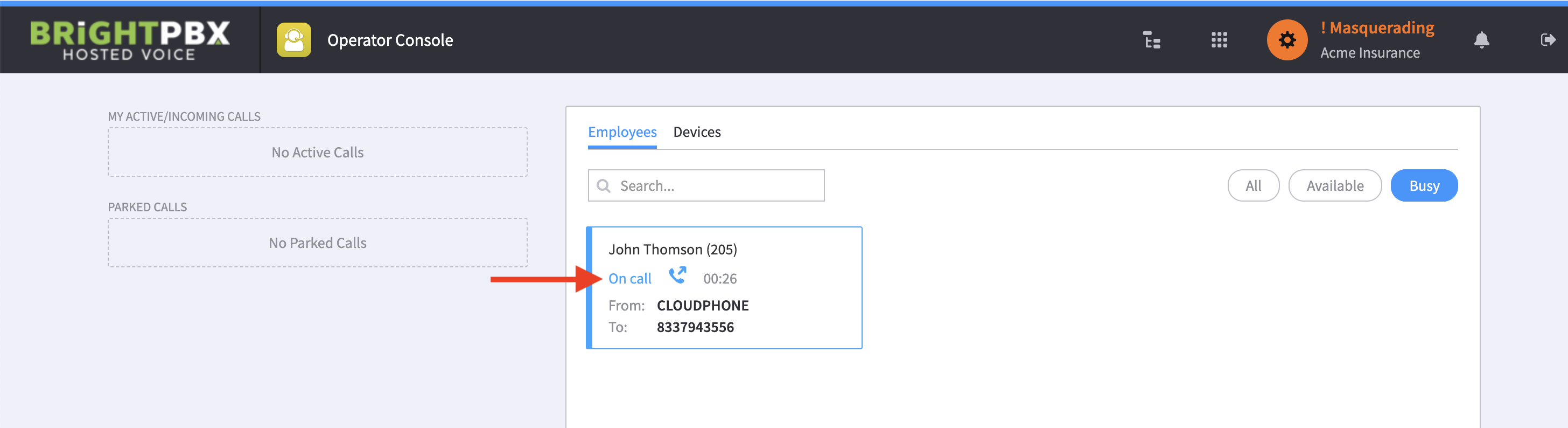
When the call is answered, as opposed to just ringing, the status updates to On Call.
Parked calls
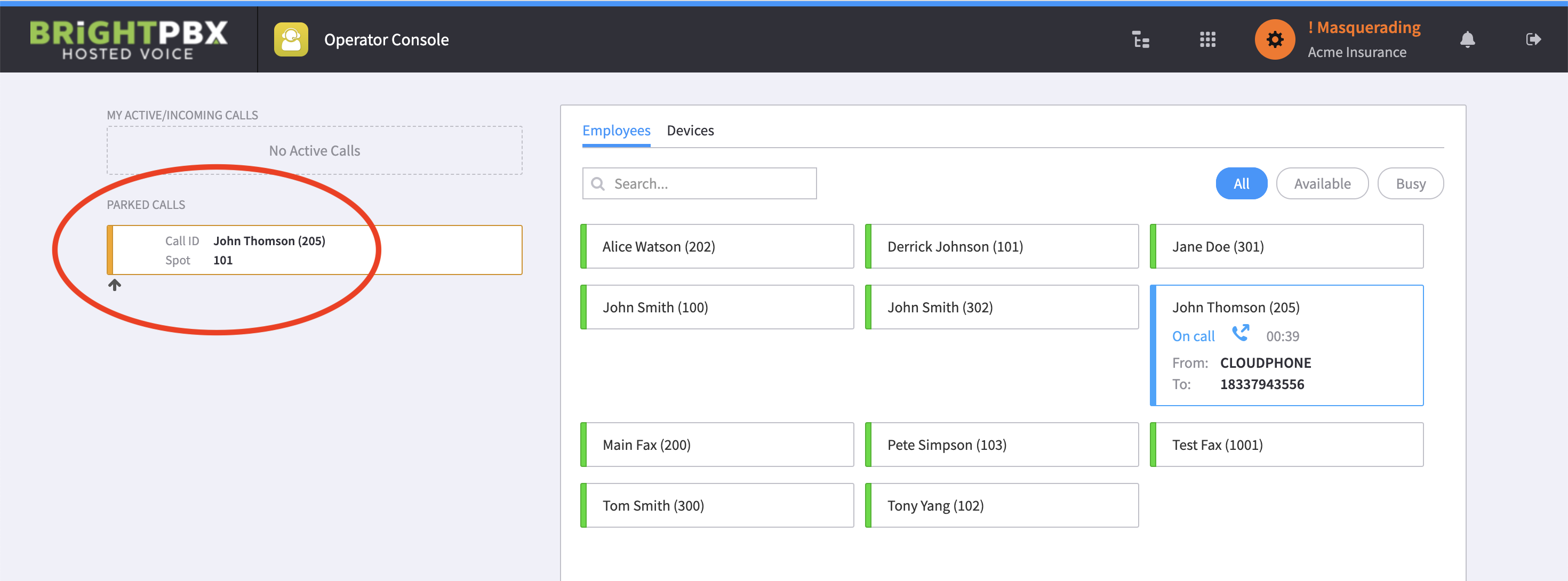
Section titled “Parked calls”Parked calls show in the Parked Calls section. The following indicates that user John Thomson parked a call in spot 101.
See Call features for how to park calls.