How do I know if the provisioner banned my IP?
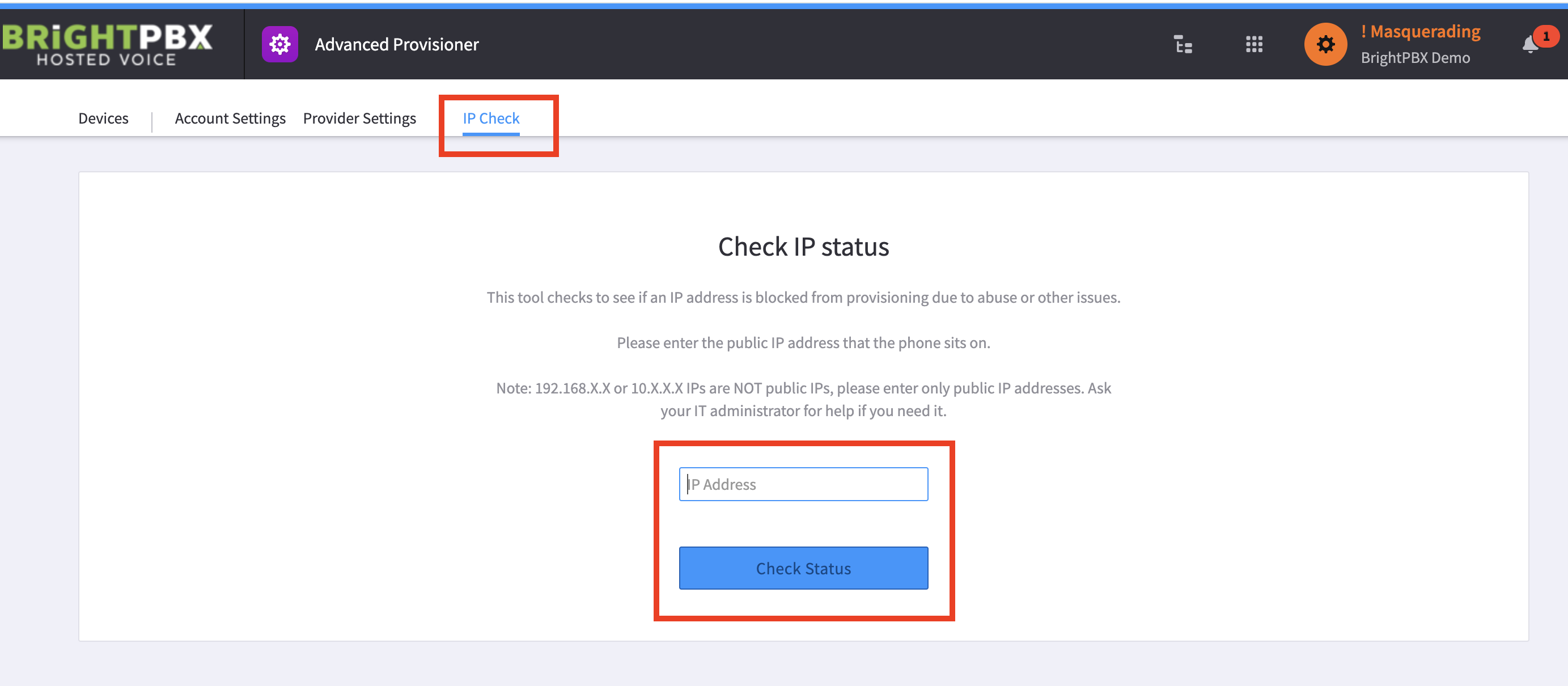
If your device is not pulling a config, it is possible the IP was banned. To check, open Advanced Provisioner > IP Check.
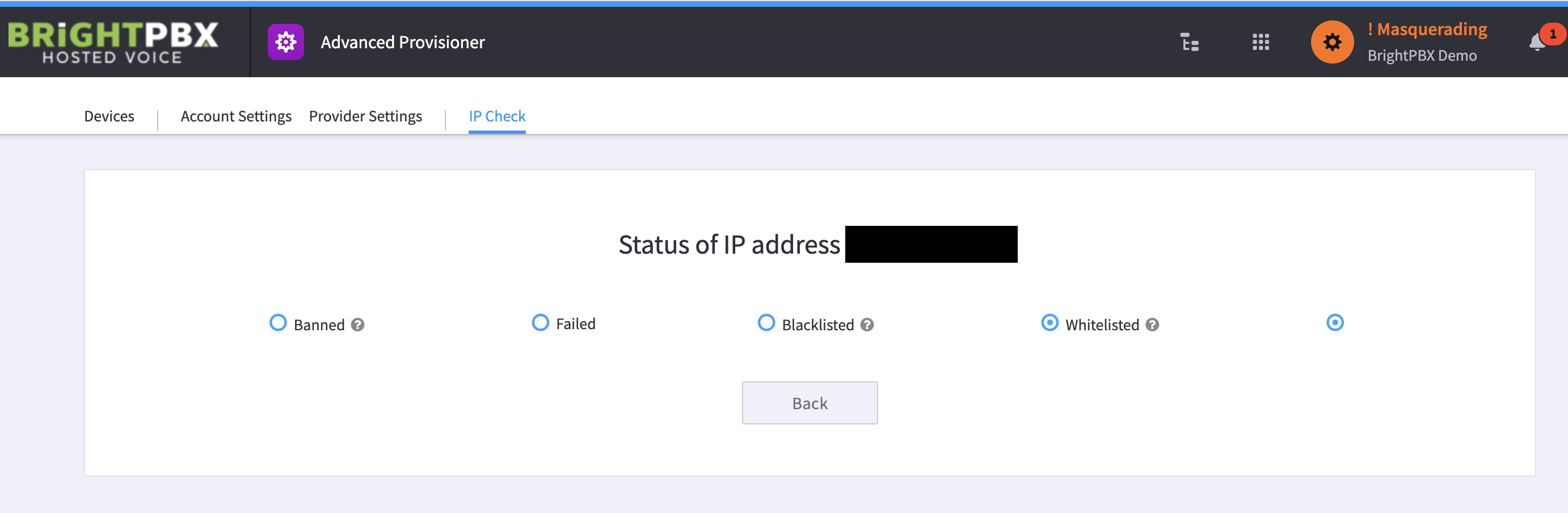
The example above shows a whitelisted IP.
What each status means
Section titled “What each status means”| Status | What it means | What to do |
|---|---|---|
| Whitelisted | The IP is allowed | Nothing — look elsewhere for the problem |
| Banned | A temporary ban | It clears automatically after an hour |
| Blacklisted | A hard block | Contact Support to get it unblocked and investigate the cause |
Related
Section titled “Related”- How do I know if the provisioner locked my phone? — a device lock is a different thing from an IP ban
- How do I know if an IP is blocked? — for SIP blocks rather than provisioner bans