Call Recordings
In order to set up call recordings you must first connect your AWS S3 bucket. See The AWS Connector for details.
-
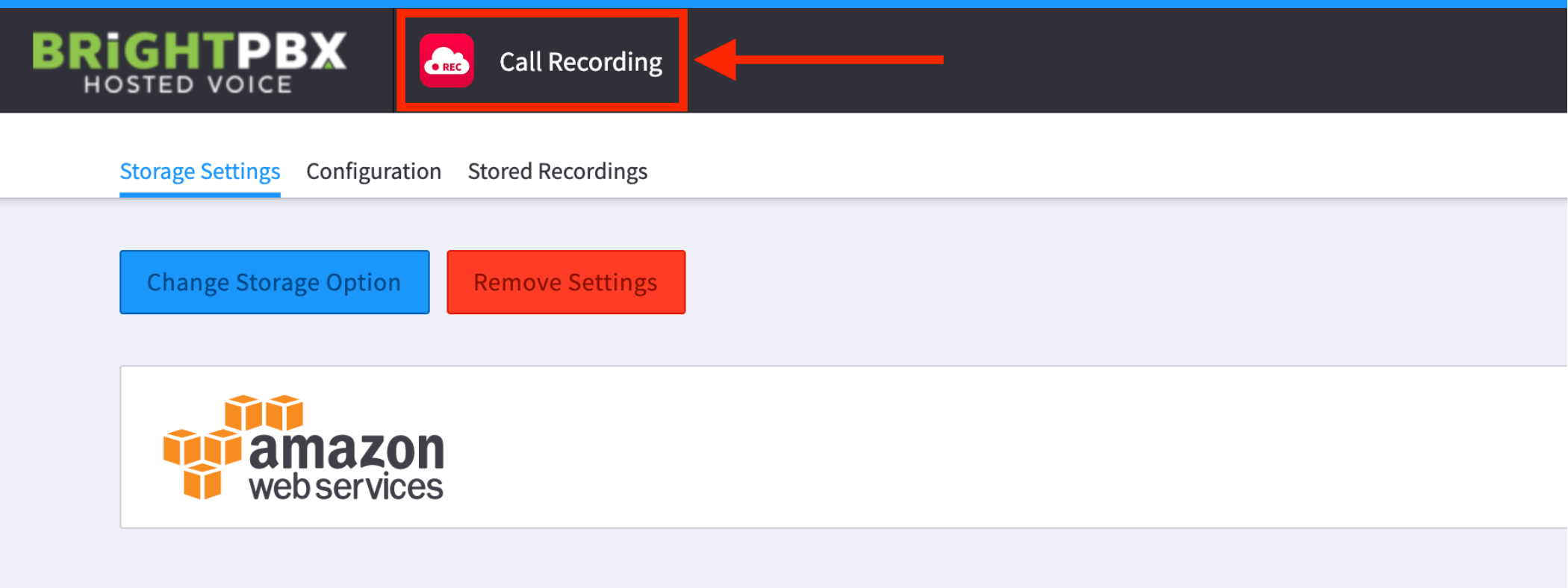
Once set up, open the Call Recordings app and choose the AWS instance to connect to
-
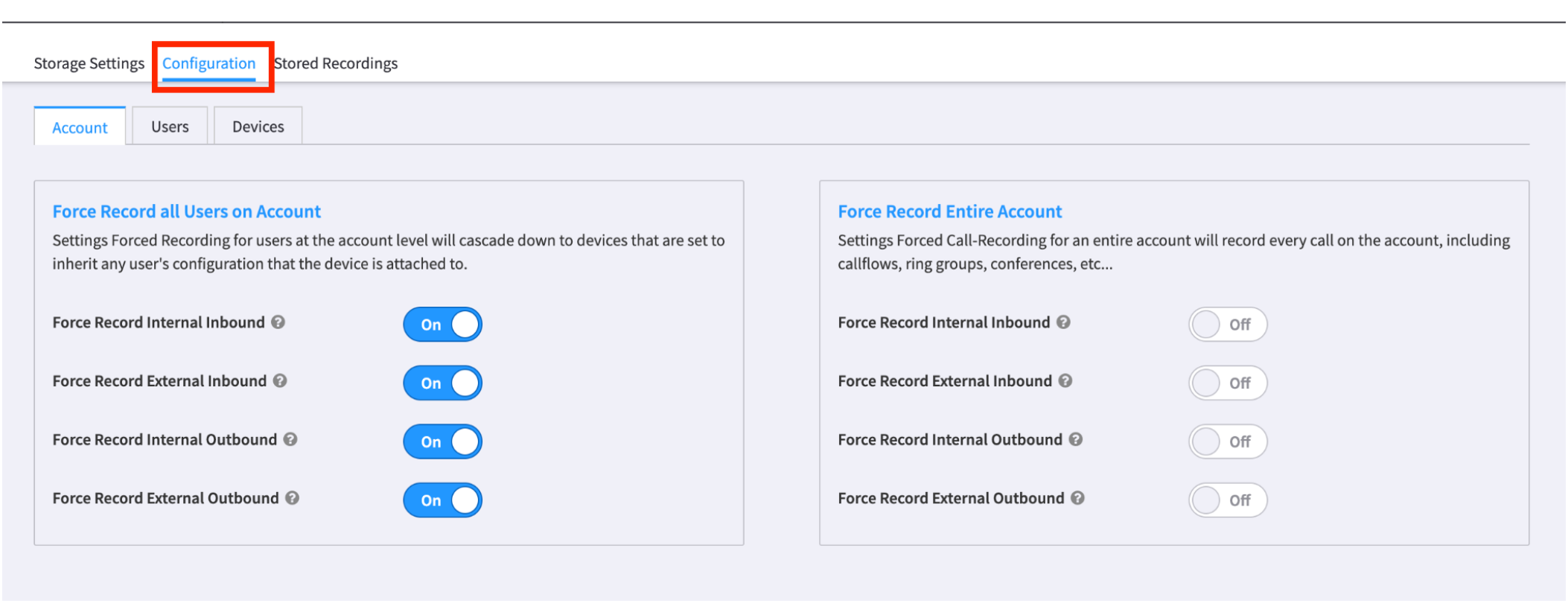
Click Configuration to choose how and when recording will occur
-
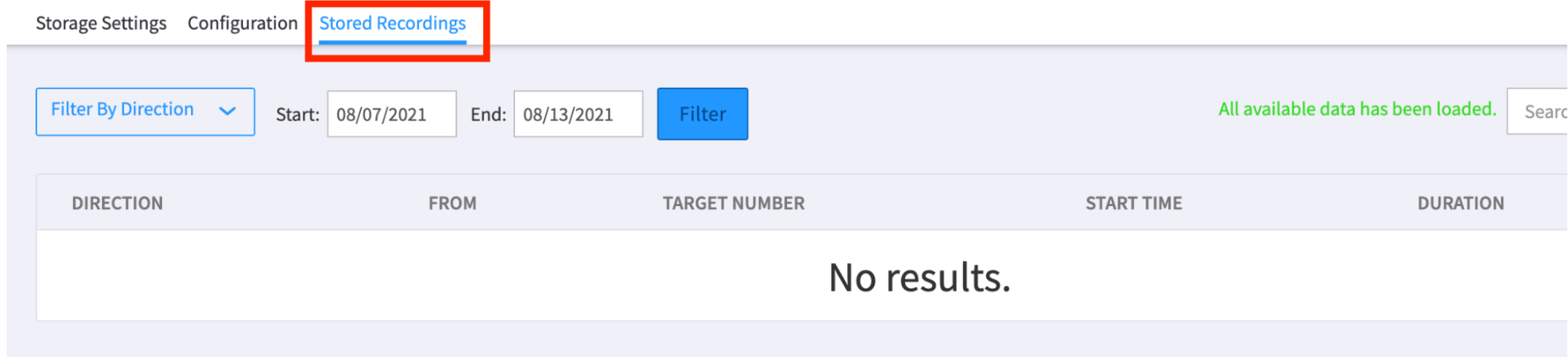
Click Stored Recordings to see a list of recordings