Intercom
The Intercom feature lets you dial another extension and have the call automatically answered on the recipient’s phone in hands-free mode. If the recipient’s phone supports intercom, they hear you immediately without needing to take any action. This is ideal for quick, direct communication.
Using intercom
Section titled “Using intercom”-
Dial the feature code. Dial
*0+ the extension. For example, to intercom extension 101, dial*0101.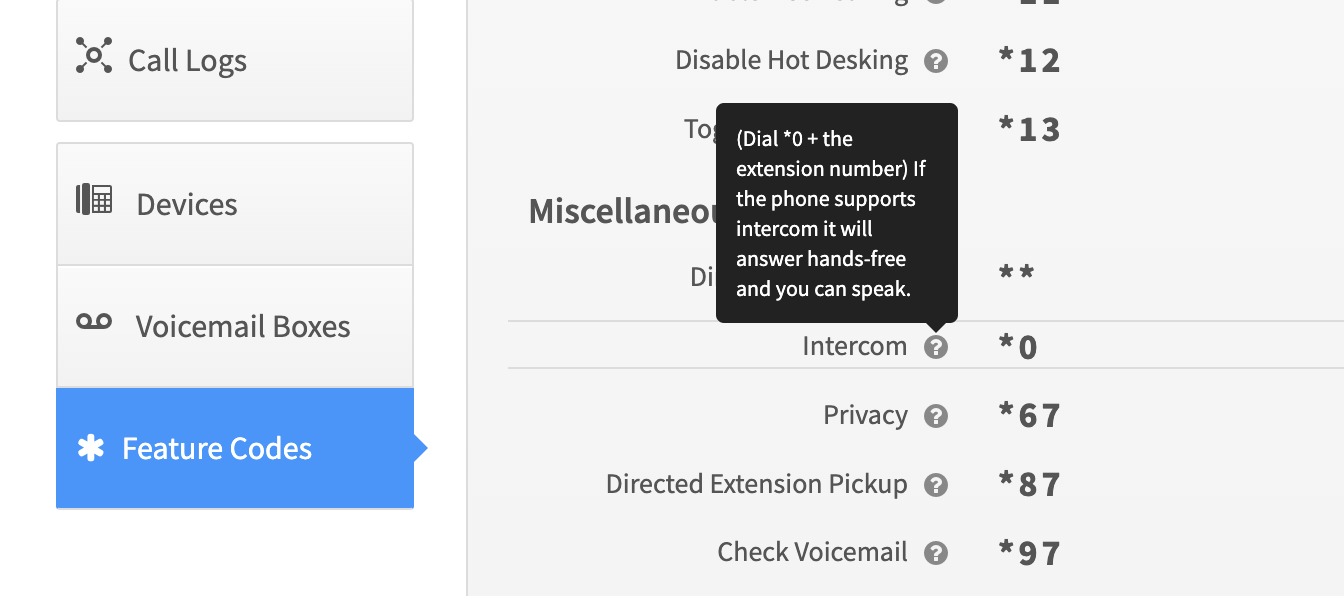
-
The connection is automatic. The recipient’s phone answers the call and enables hands-free mode (speakerphone).
-
Begin speaking. Once connected you can start talking immediately. The recipient can hear and respond to you directly — this is two-way communication.
Related
Section titled “Related”- Setting up one-way paging — for announcements to a group of phones