Setting up a fax box
-
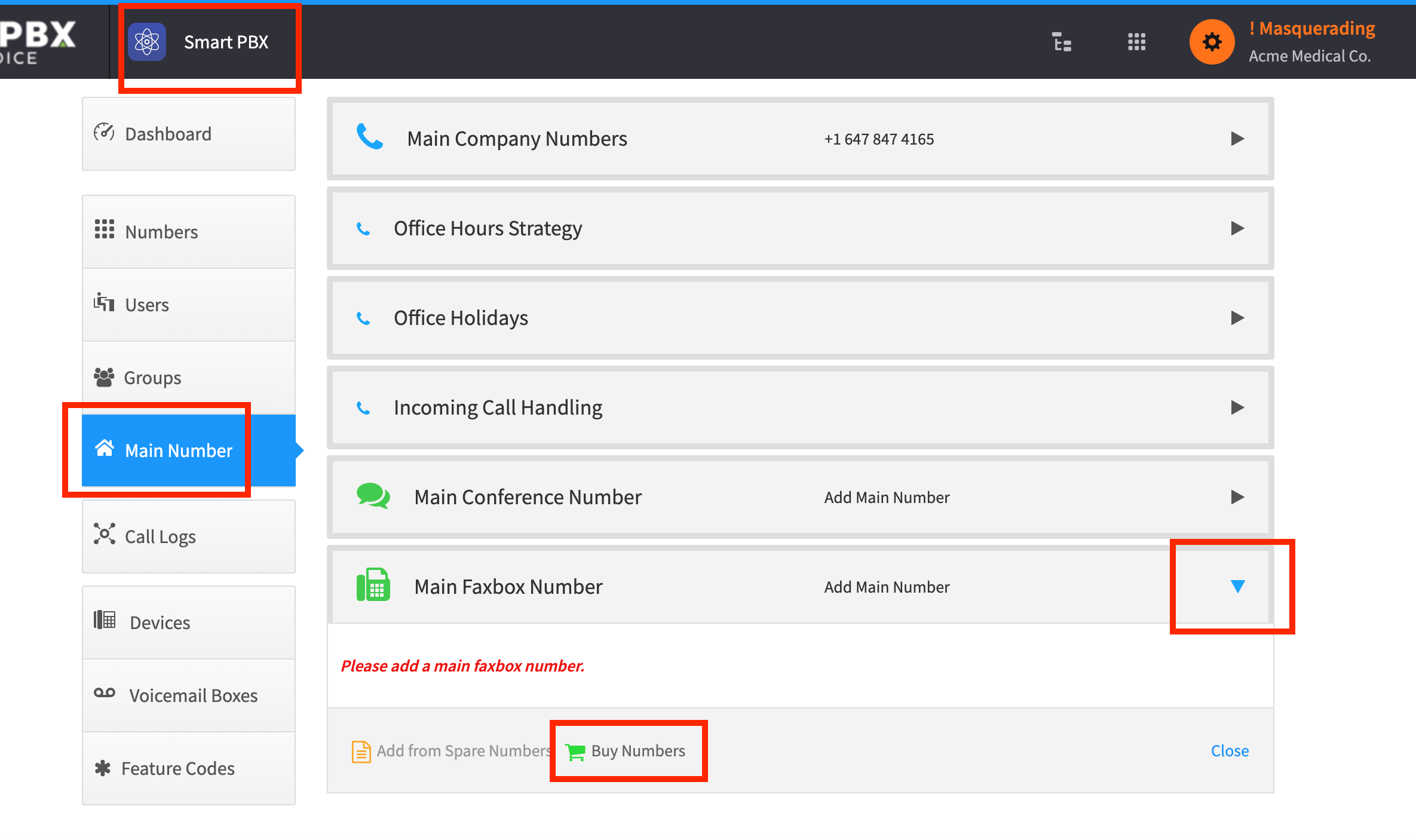
From Smart PBX, choose Main Number > Main Faxbox Number.
-
Choose Buy Numbers to get a new DID. Alternatively, if you already have spare numbers, choose Add from Spare Numbers.
-
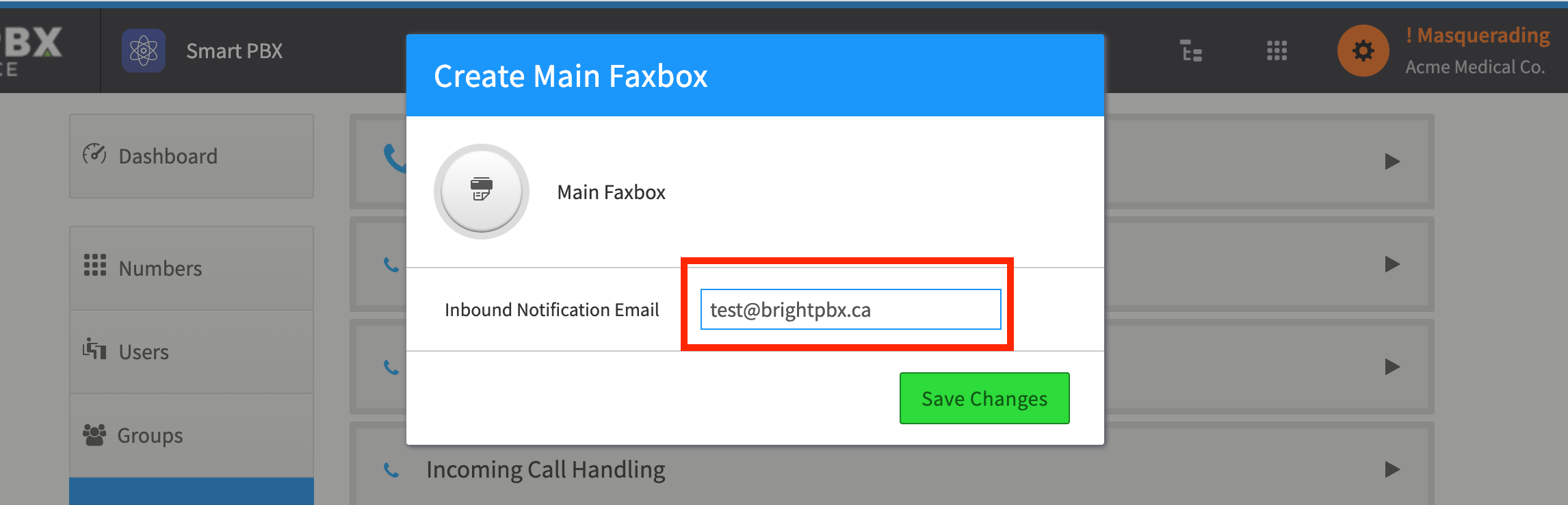
Once you add your number, it will ask for the email address where you would like to receive faxes. Enter it and choose Save Changes
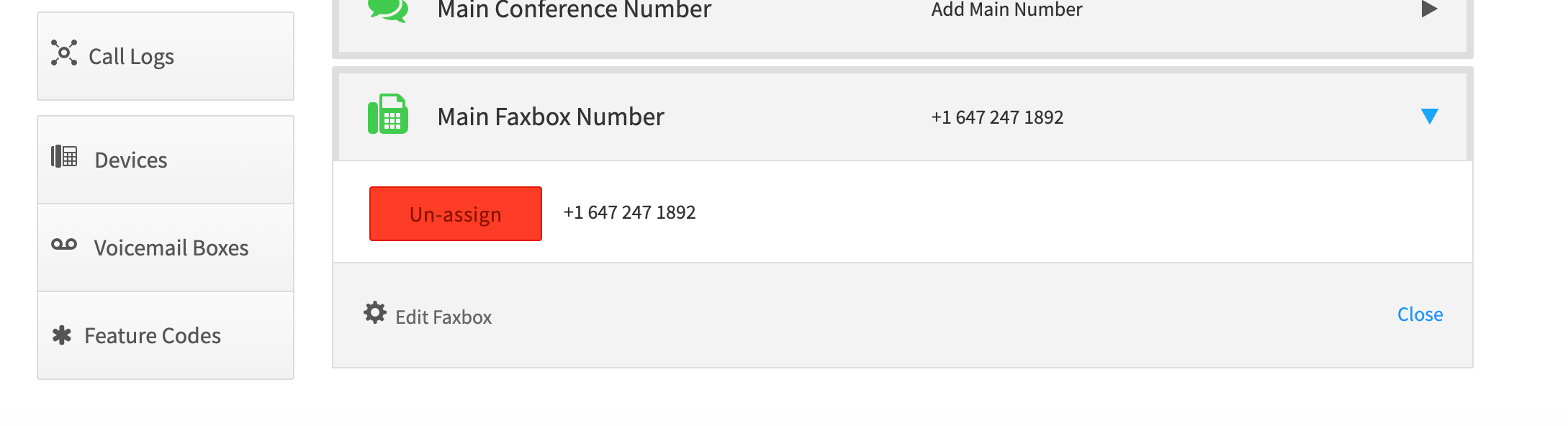
The fax box is now set up. You may change the email at any time by choosing Edit Faxbox.