Removing key press requirement for call forwarding
-
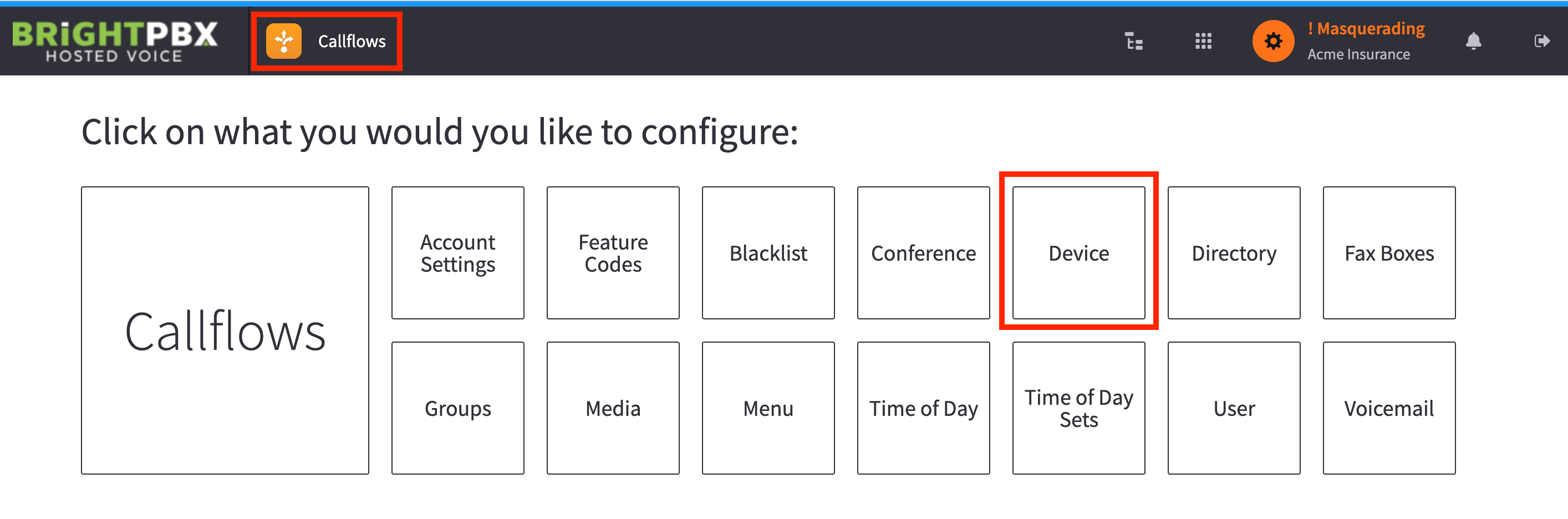
Open the Callflows app and choose Devices
-
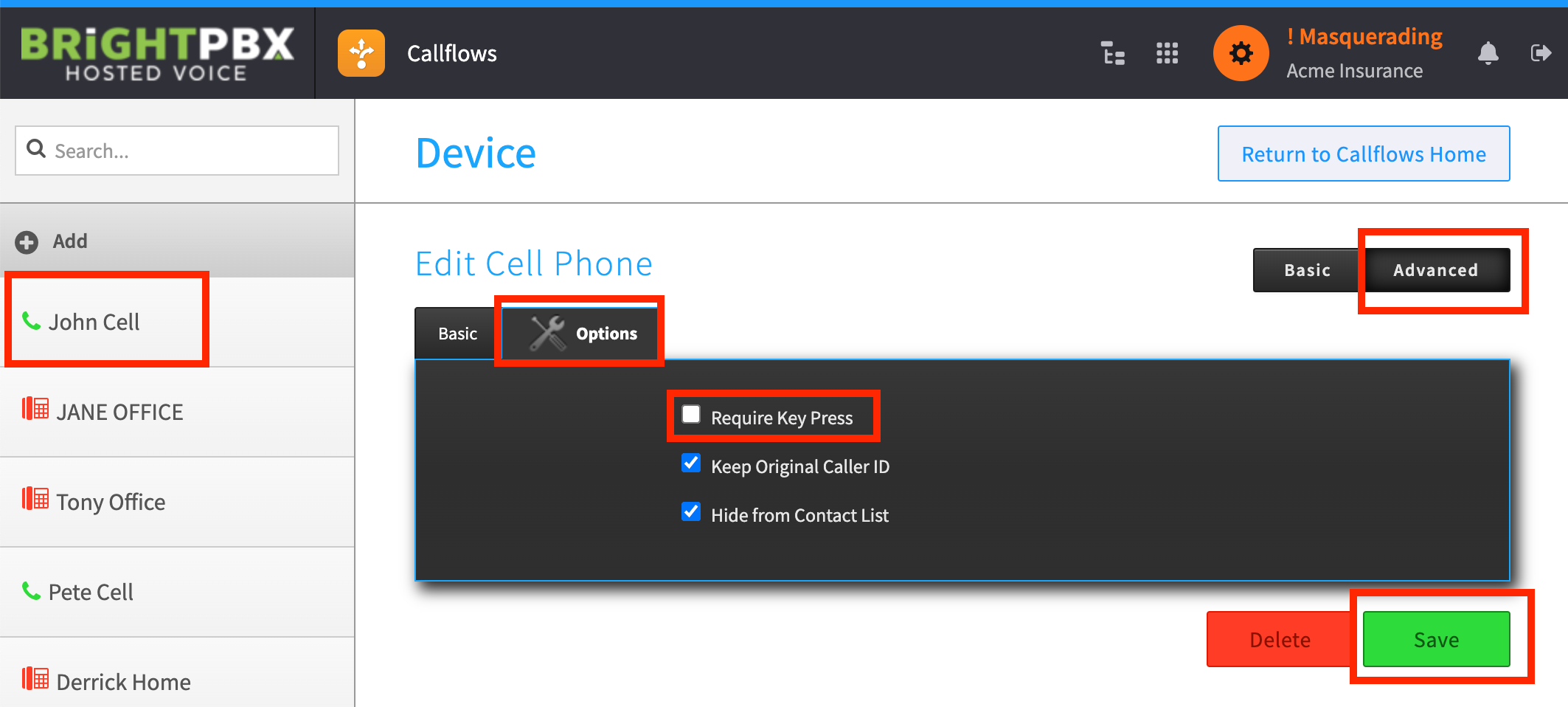
From the left, choose the specific device
-
Choose Advanced > Options, uncheck Require Key Press, and choose Save
Open the Callflows app and choose Devices
From the left, choose the specific device
Choose Advanced > Options, uncheck Require Key Press, and choose Save