Cancelling a port request
Conditions
Section titled “Conditions”All three of the following must be true before you can cancel a port request.
-
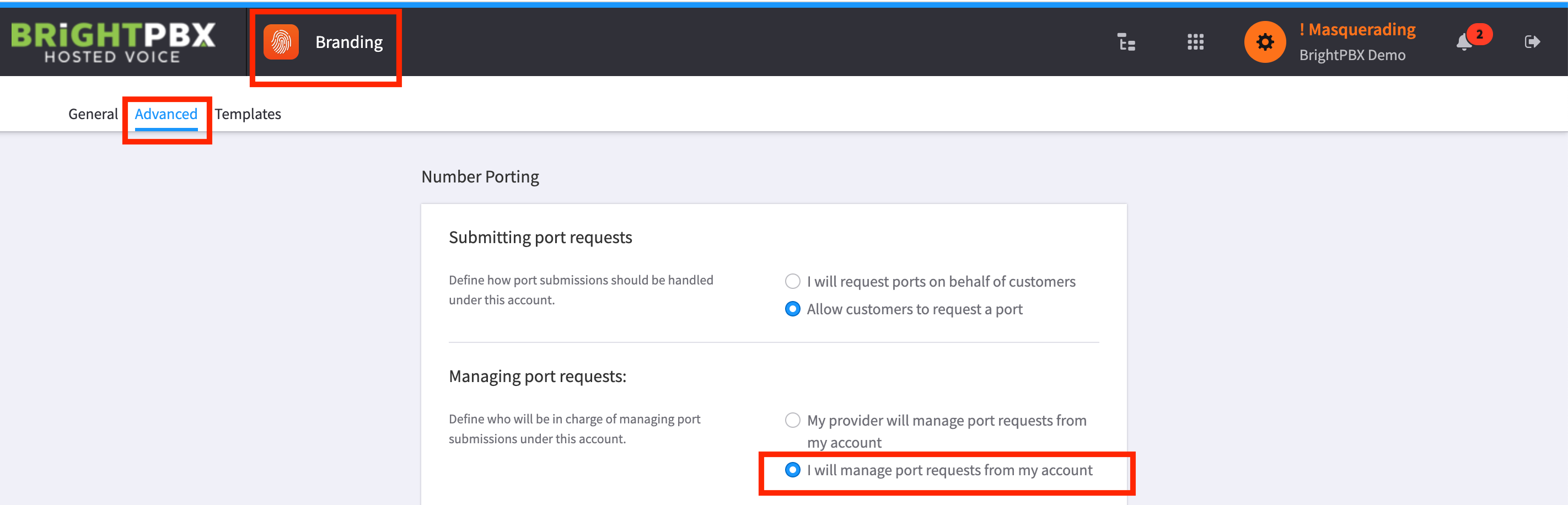
From the Branding app, I will manage port requests from my account must be checked
-
The request must have been created under one of your sub-accounts, not in your master account
-
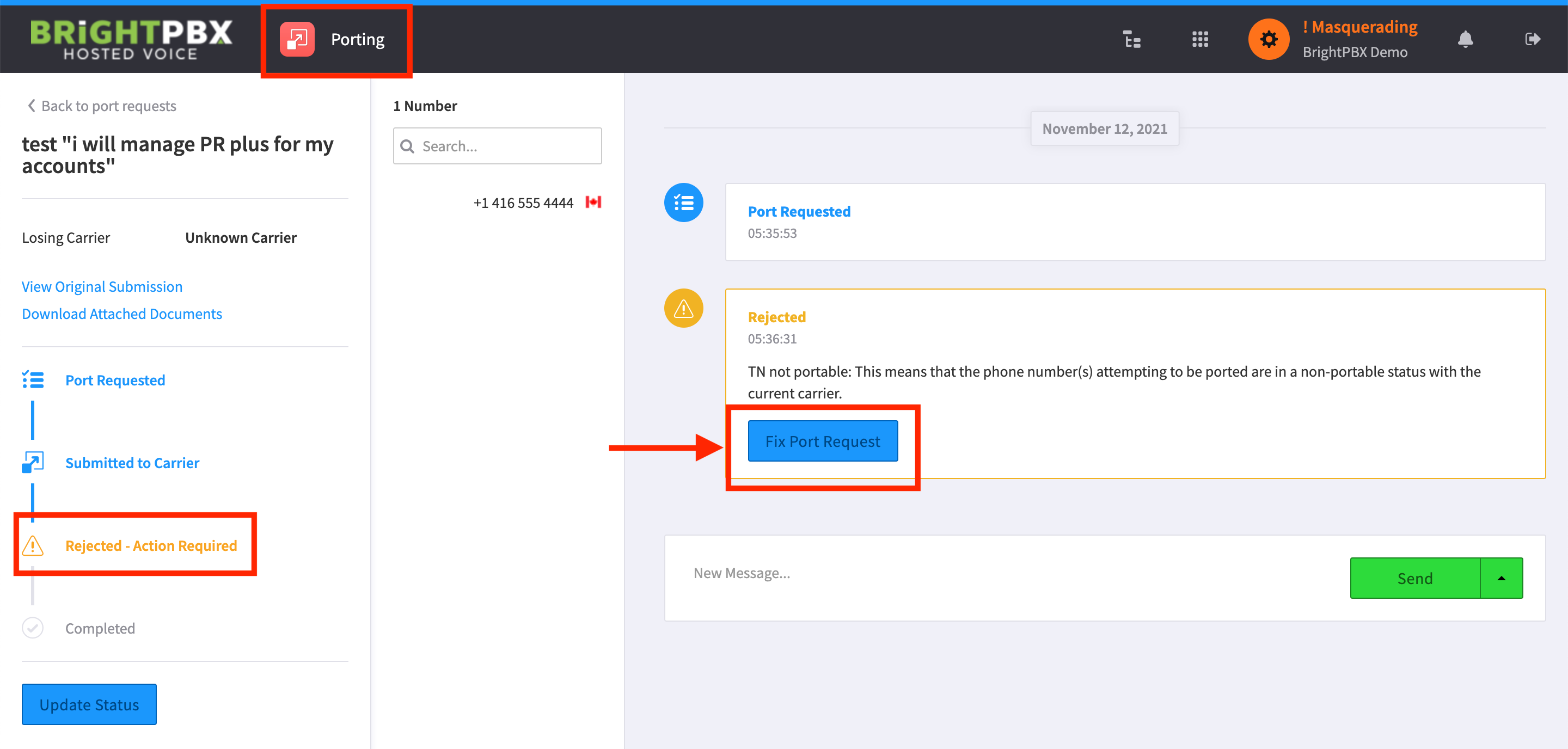
The request must be Rejected, which is what makes the Fix port request link appear — the cancel option lives behind it
Cancelling
Section titled “Cancelling”If all three conditions are met, click Fix port request.
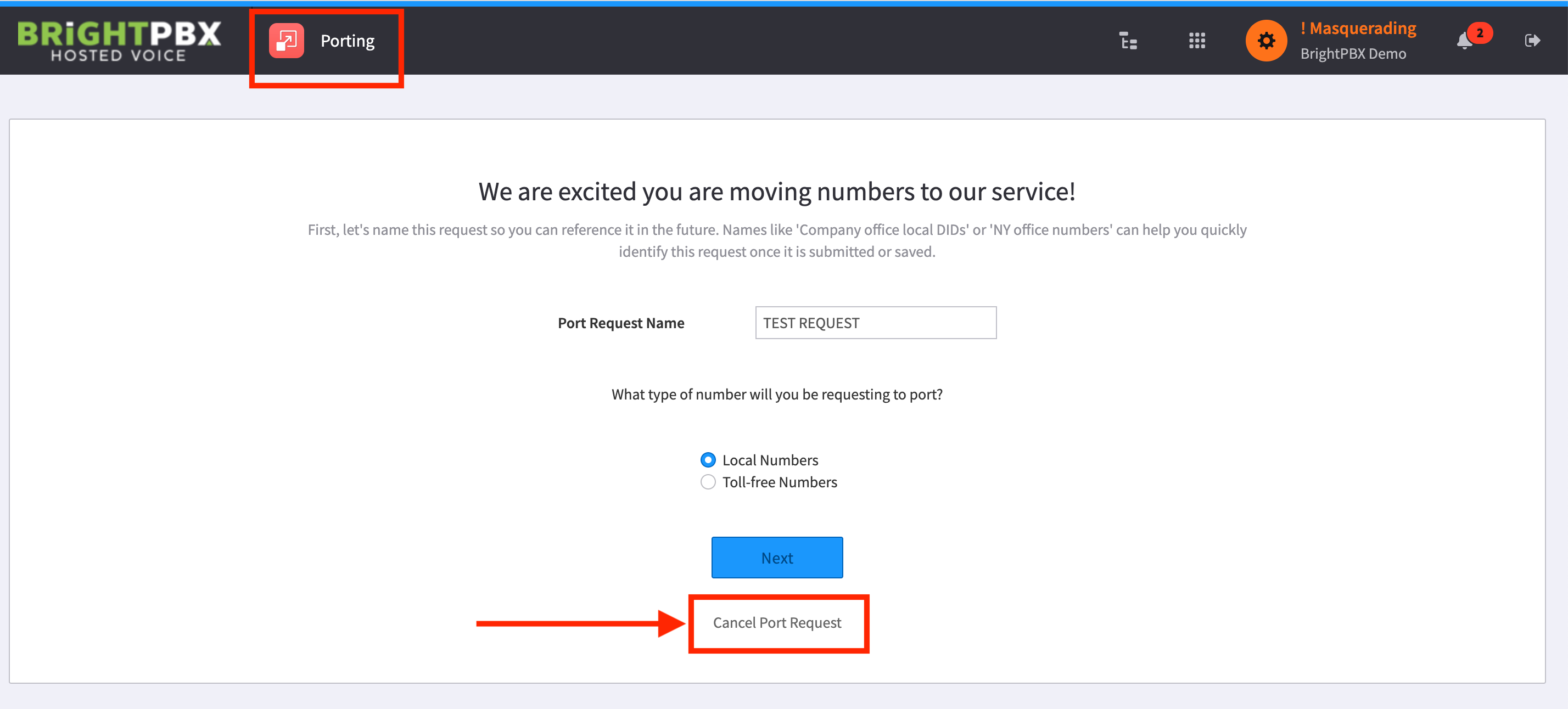
You will now see a Cancel port request link toward the bottom. Click this to cancel your port request.