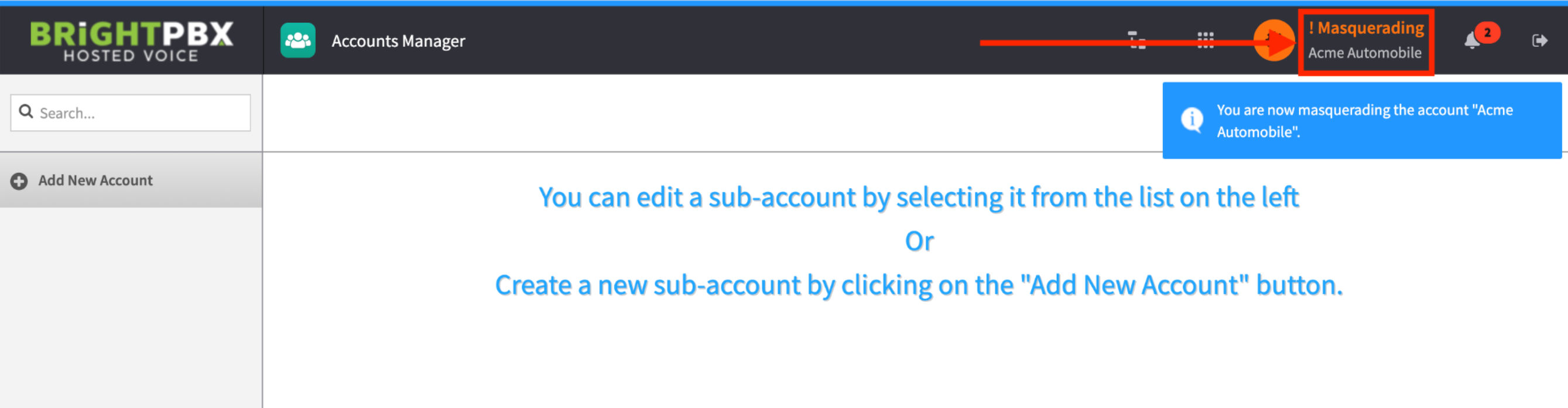
Masquerading a customer account
Masquerading puts you inside a customer’s account so that every app you open acts on their configuration rather than yours. You need to do this before adding users or DIDs to a customer.
-
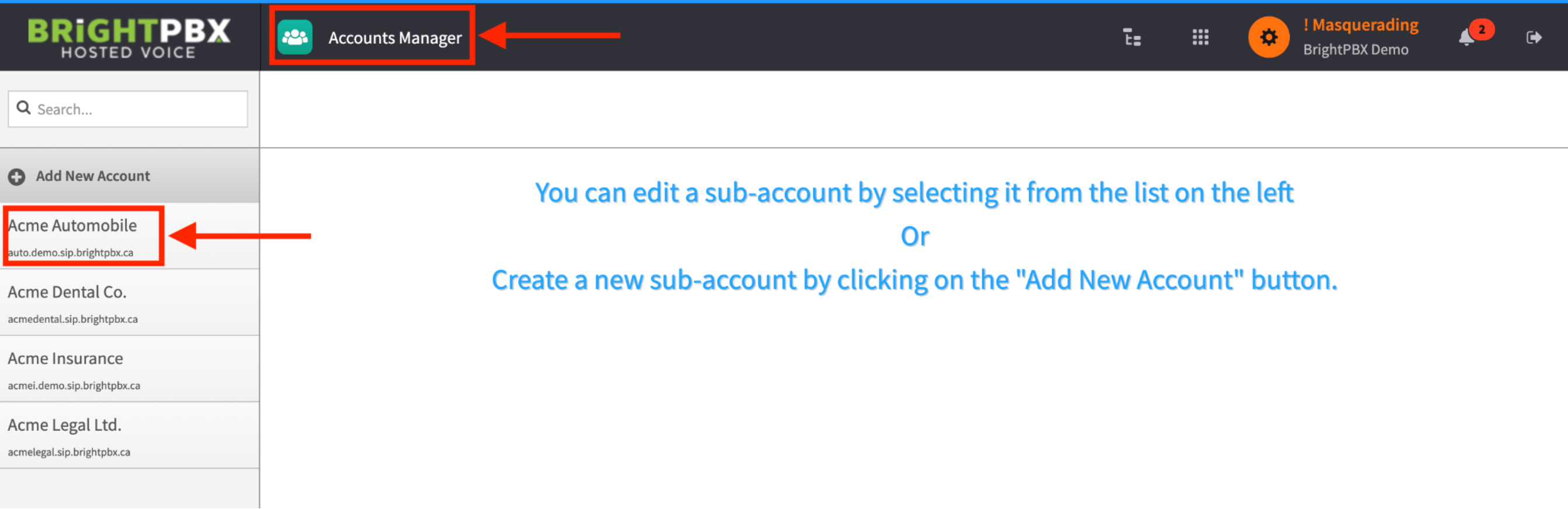
From the app exchange, open the Account Manager app and click the client account you want to masquerade as.
-
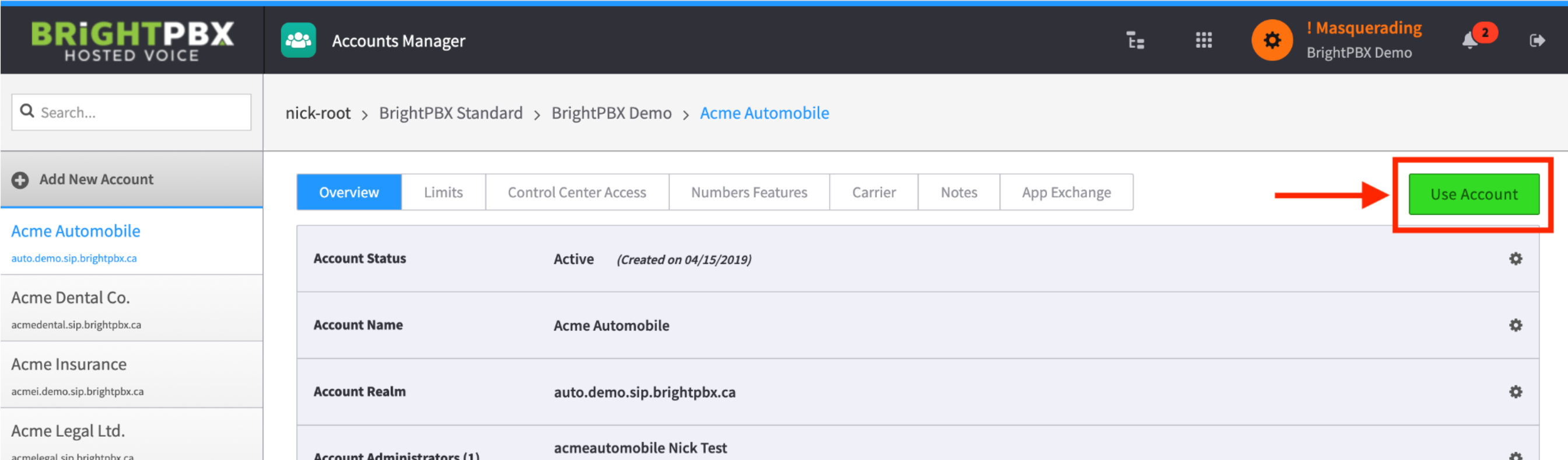
Click the green Use Account button
-
You will now be impersonating that particular client account.