Accessing voicemail from your device
Dial codes
Section titled “Dial codes”| To reach | Dial |
|---|---|
| Your own voicemail | *98 |
| Another extension’s voicemail (such as the Main Voicemail Box) | *97 + the extension number |
Reaching another extension’s box requires that box’s password.
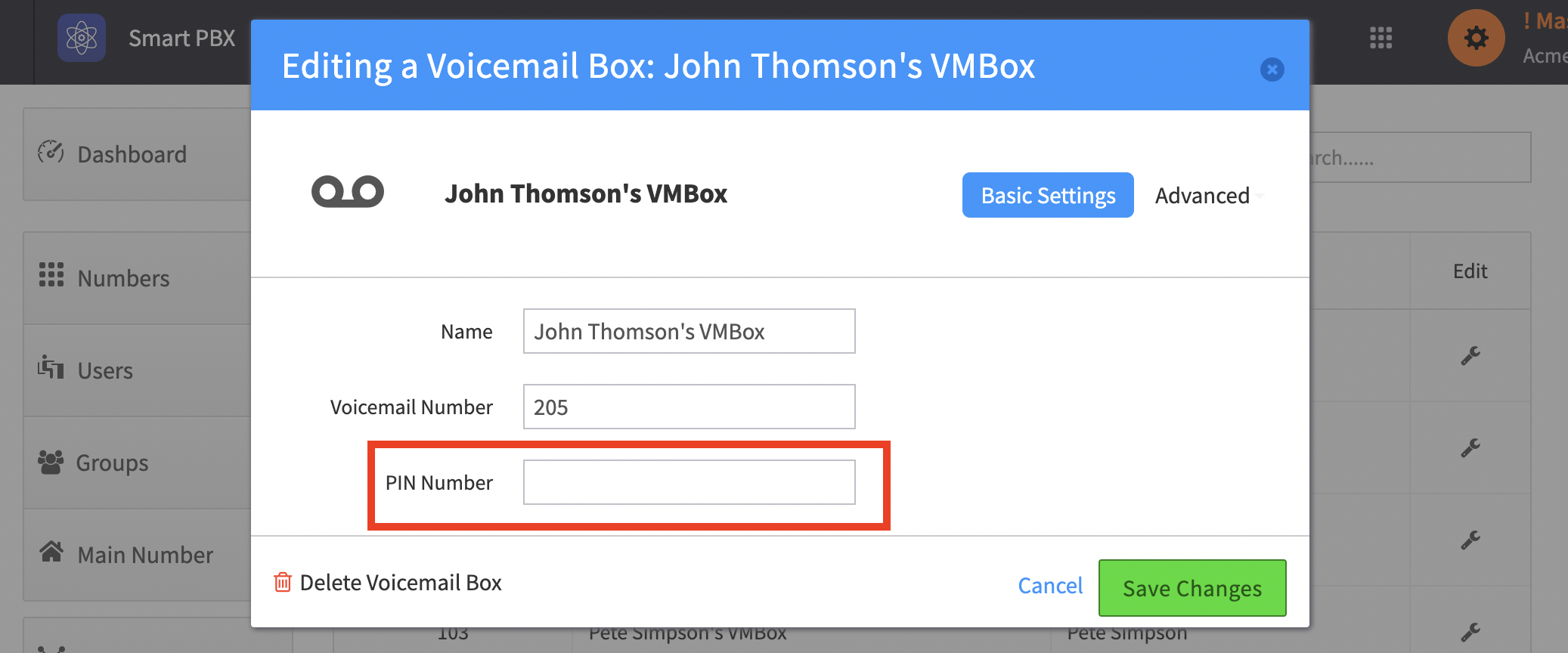
Setting a PIN
Section titled “Setting a PIN”-
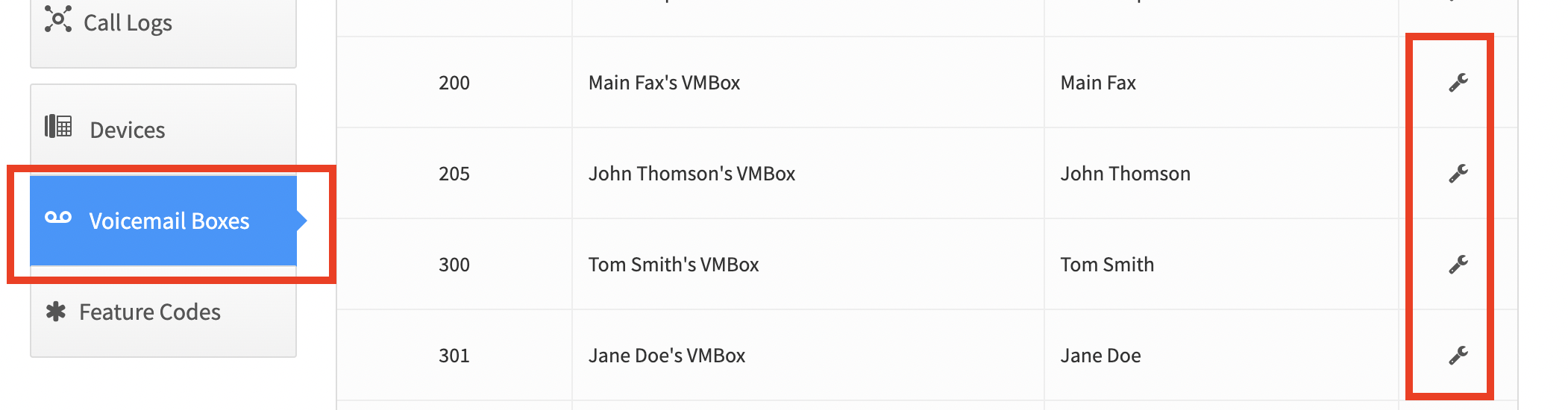
In Smart PBX, click Voicemail Boxes and then click the wrench icon of the voicemail box
-
You can now set the PIN