Updating an in-progress port
The best way to ensure successful porting is to ensure you supply all of the correct info during the original submission process. Porting is a very complicated back-end process involving multiple carriers and any modifications to an in-progress port are never guaranteed.
If you are comfortable with those restrictions, follow these steps to submit an update request — cancelling a port, changing the port date, and so on.
-
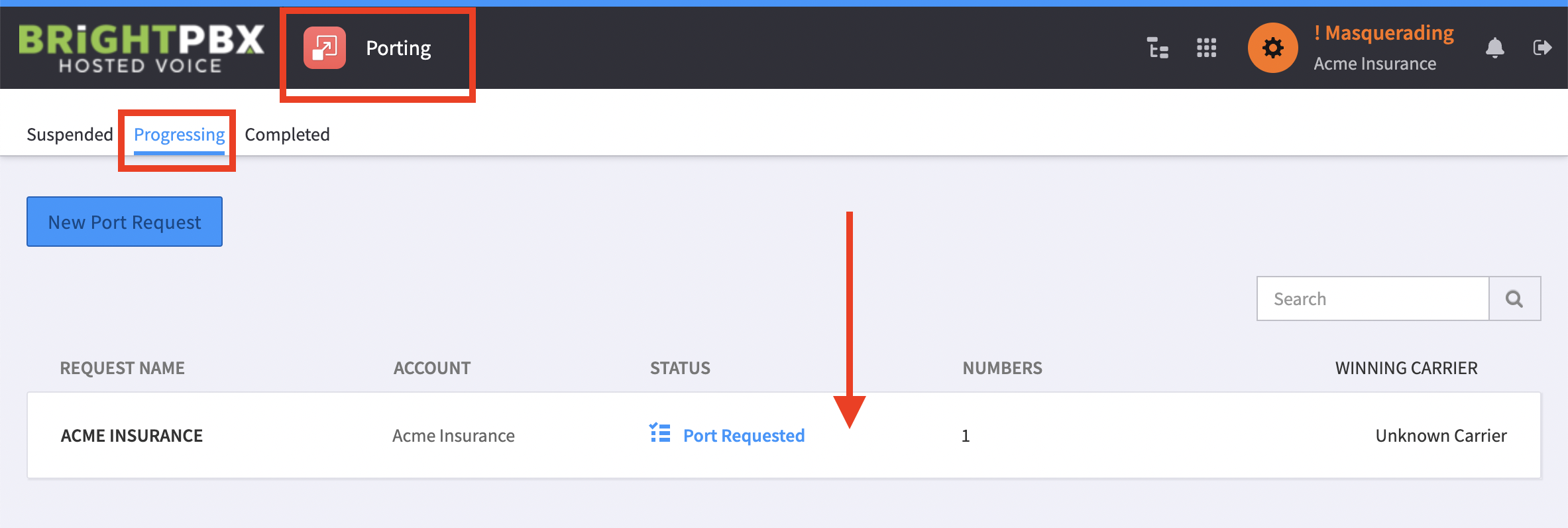
Open the Porting app, and choose Progressing
-
Find and click your in-progress port
-
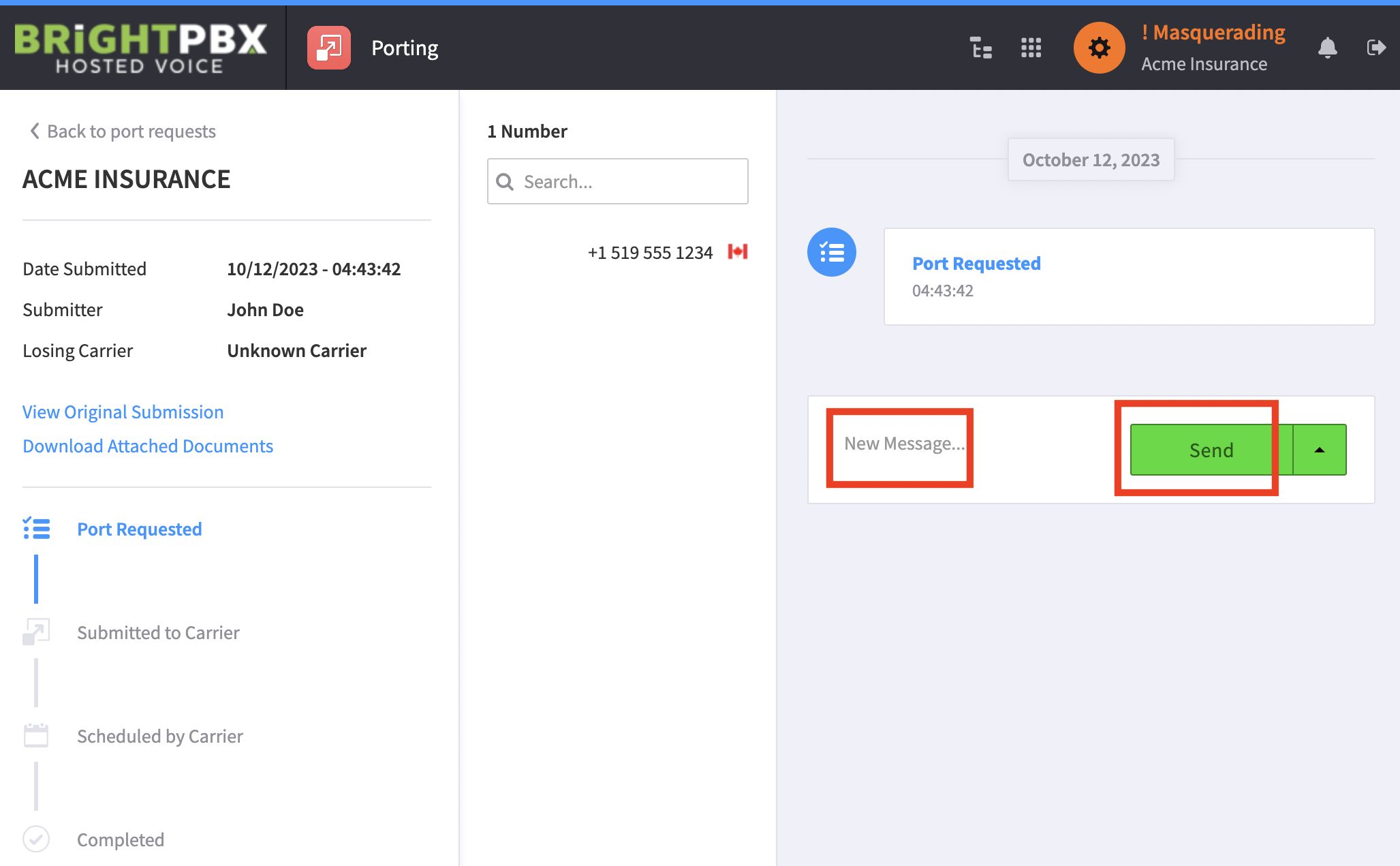
Write your request in the space provided, and click Send