Conferences
Create the conference
Section titled “Create the conference”-
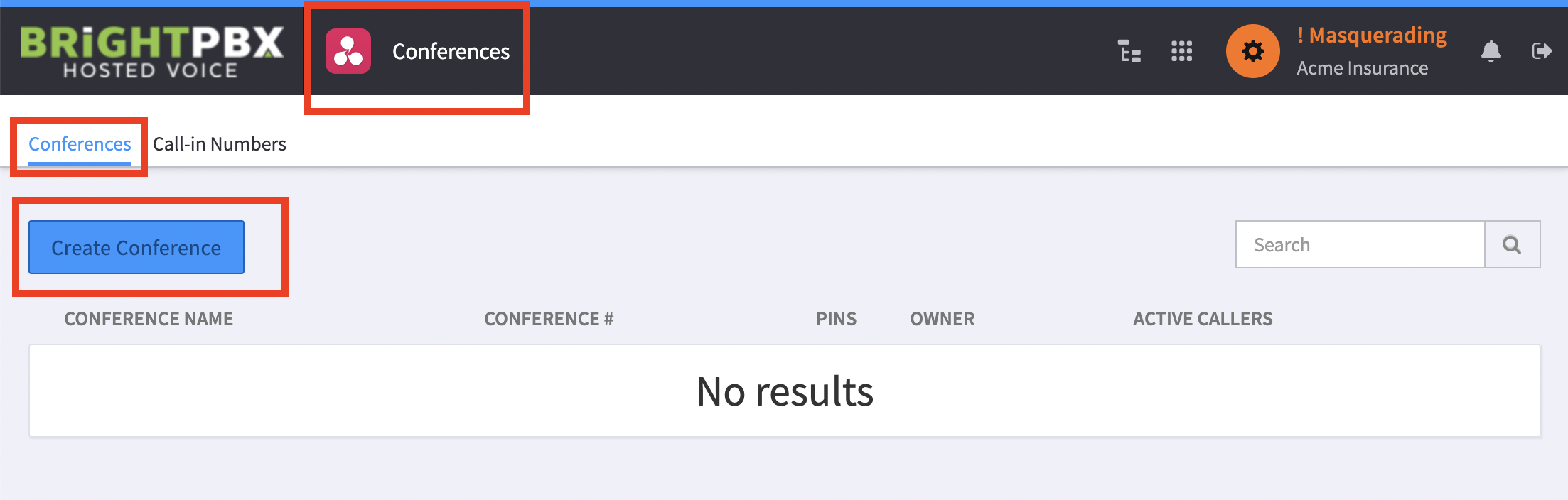
Open the Conferences app, and choose Conferences > Create Conference
-
Configure the details
Field Who it is for Conference ID Number Given to guests so they can find the conference Participant PIN Given to guests so they can join Moderator PIN The conference owner only 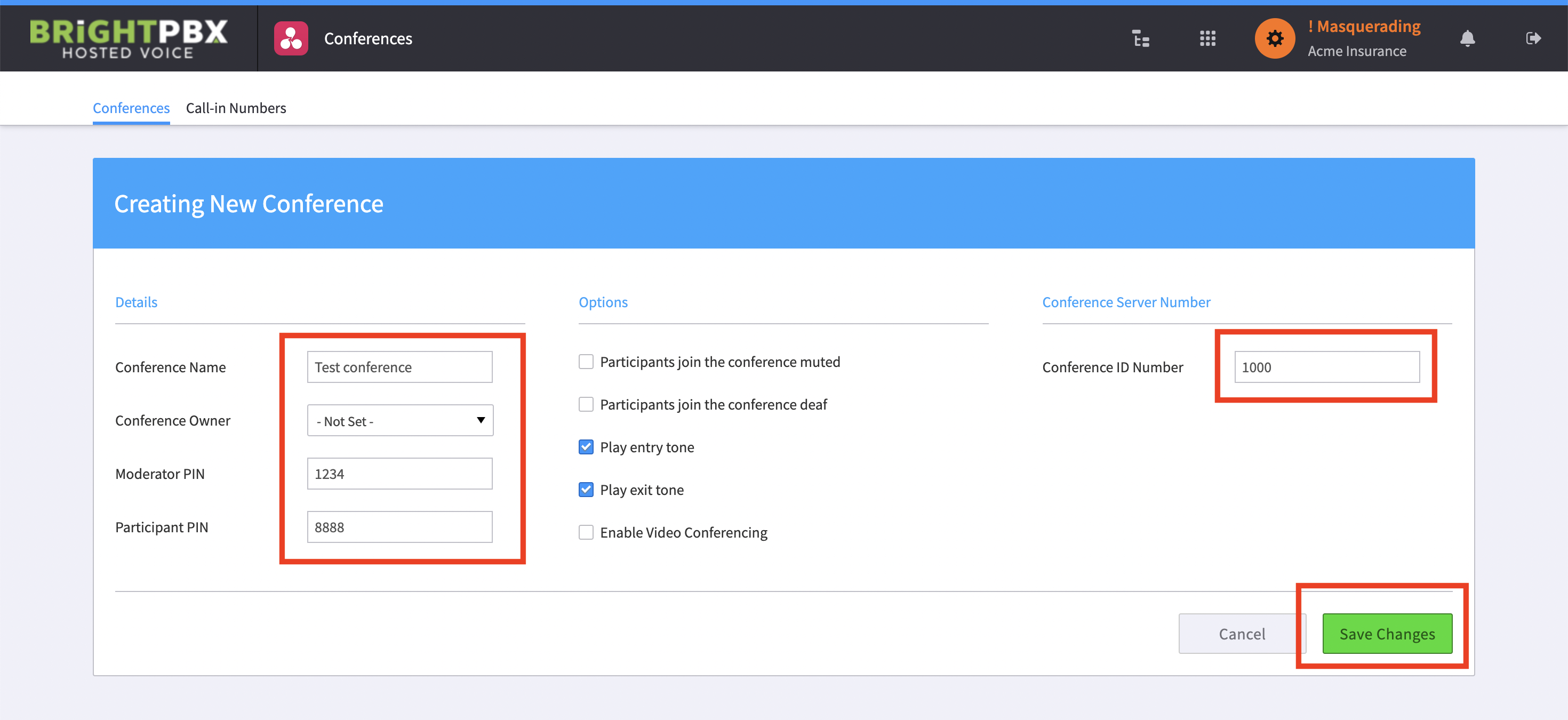
-
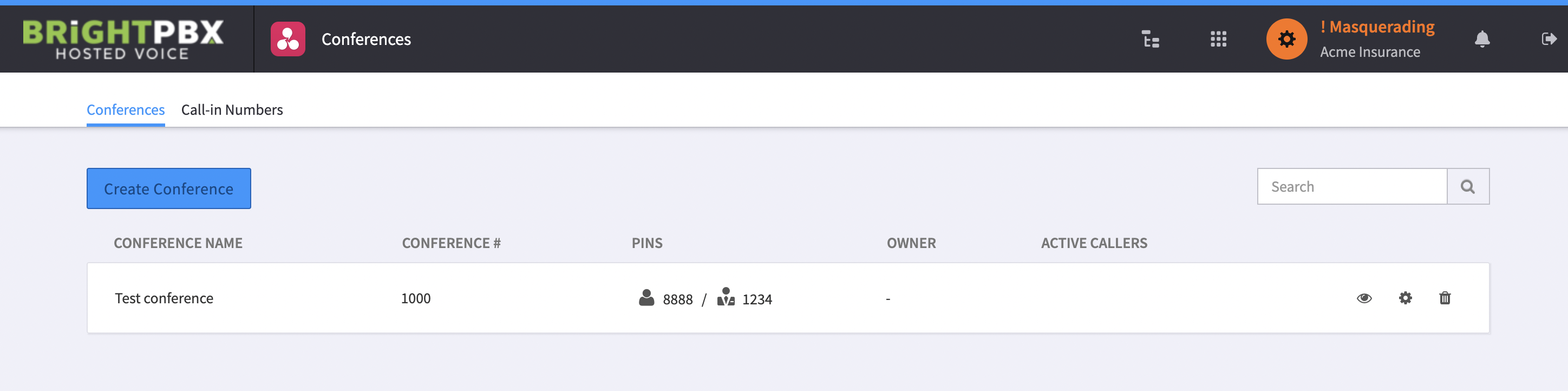
Click Save Changes when you are done, and you should see your newly created conference
Add a call-in number
Section titled “Add a call-in number”You must now add a DID so users can call into the conference.
-
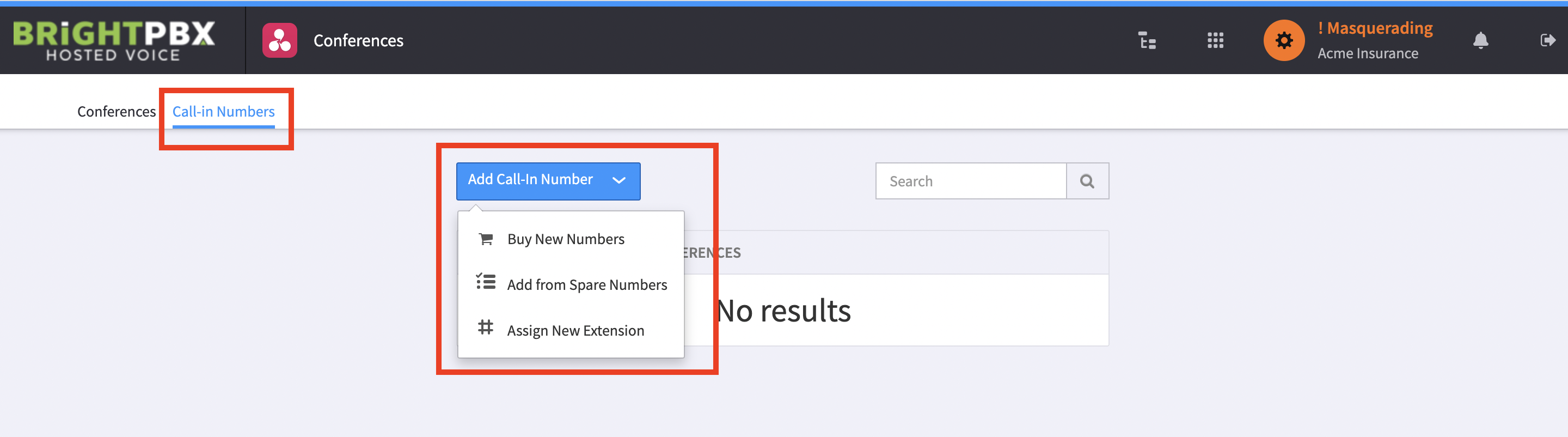
From the top menu, choose Call-in Numbers and click Add Call-In Number
-
You may either assign an extension, add from your spare number inventory, or buy a new number
-
Follow the prompts for whichever option you choose
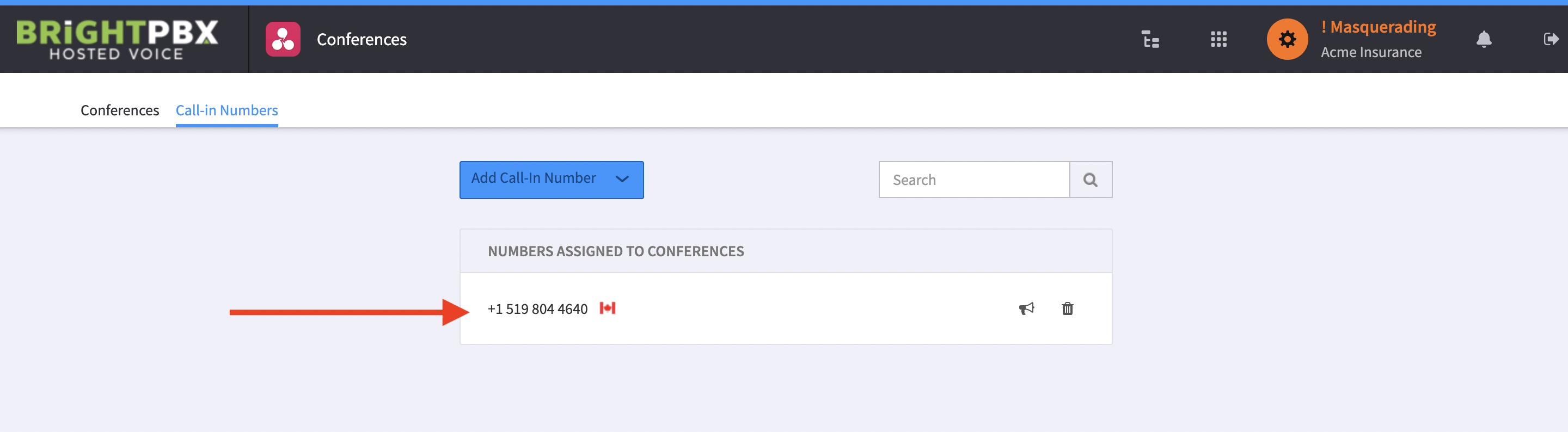
Your number will then show as follows:
Monitoring a live conference
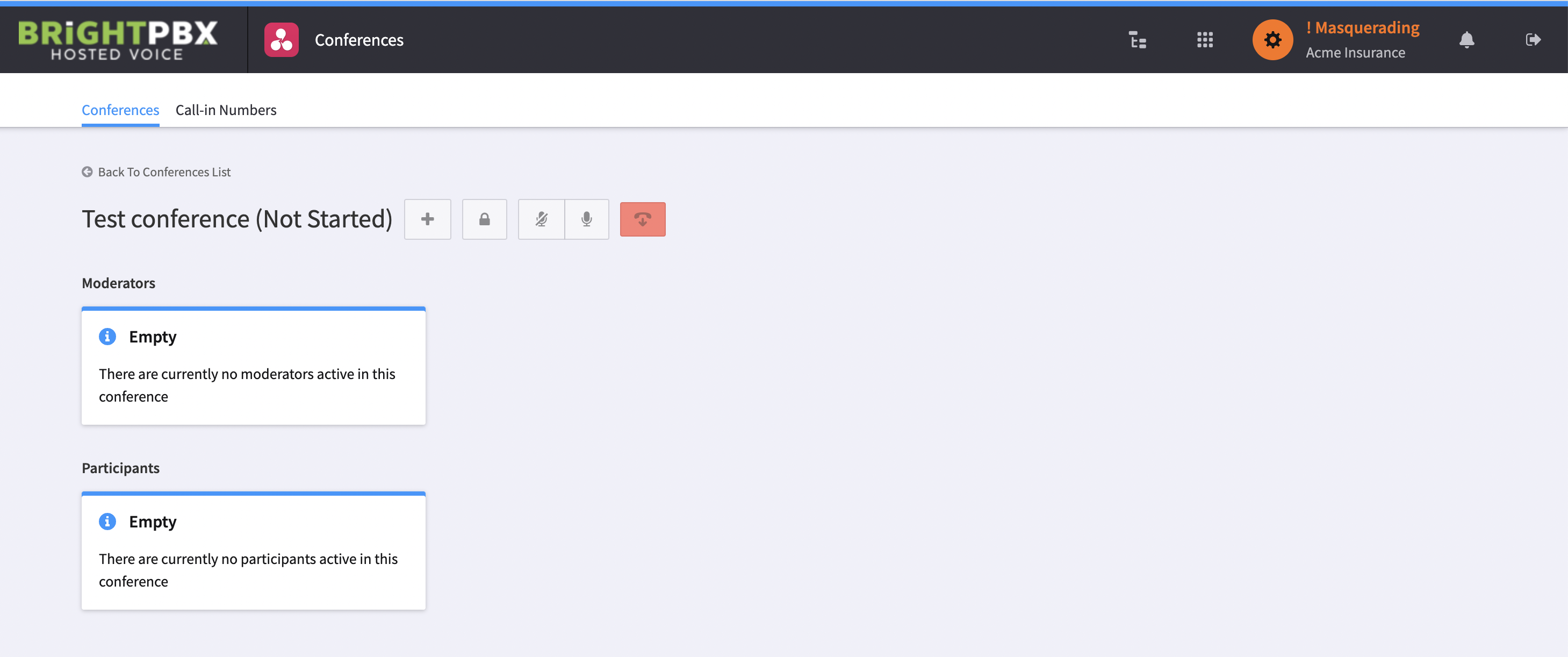
Section titled “Monitoring a live conference”To view a conference and see who is online, click the eyeball icon on the main conference screen.
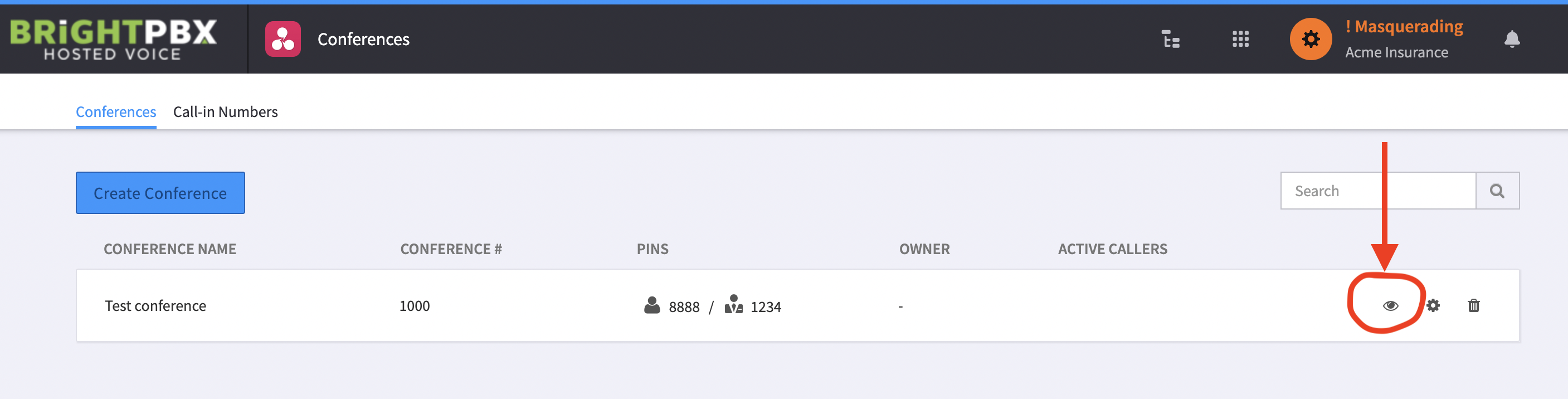
You will be brought to the details page, where you can see its live status.