Setting up a Single Lines account
If you have single line customers without hosted PBX needs, we advise setting up a dedicated sub-account to group these lines together. You can individually set their caller ID name & numbers and provide them voicemail so the experience remains seamless.
-
Add a new sub-account using the format “{company} Single Lines” (as an example - you can use any name you wish, though)
-
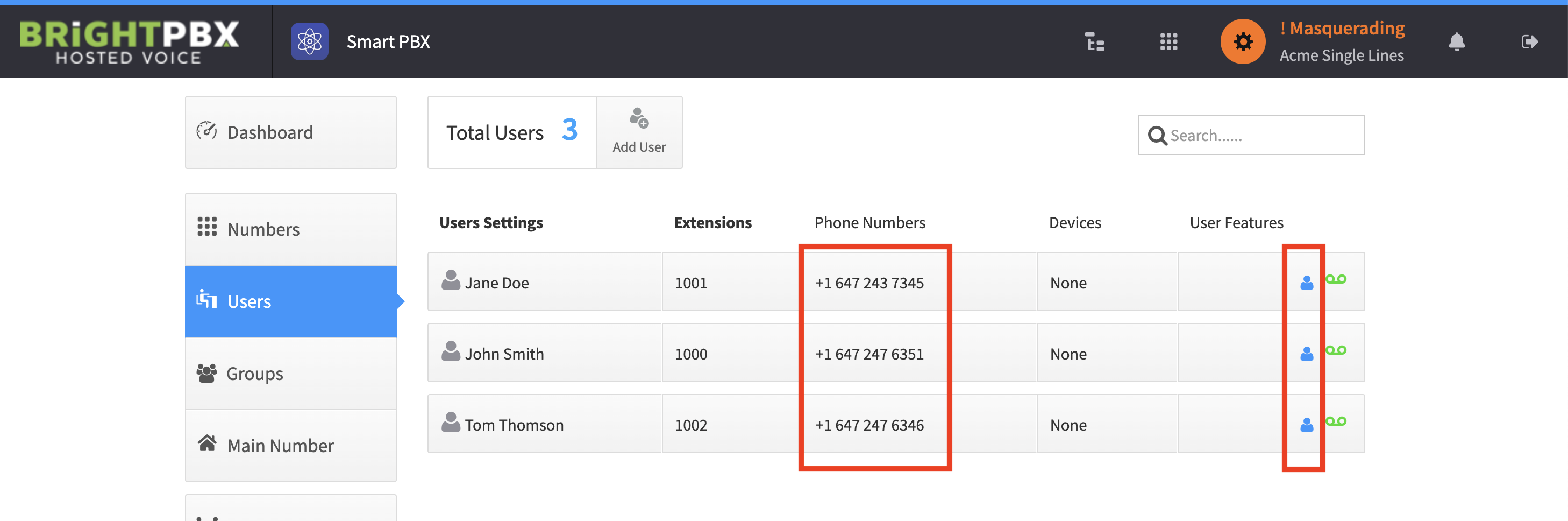
Add each single-line customer as a User to this account
-
Set the outbound caller ID of each user to their dedicated DID
-
Set the outbound caller ID name of each user’s DID
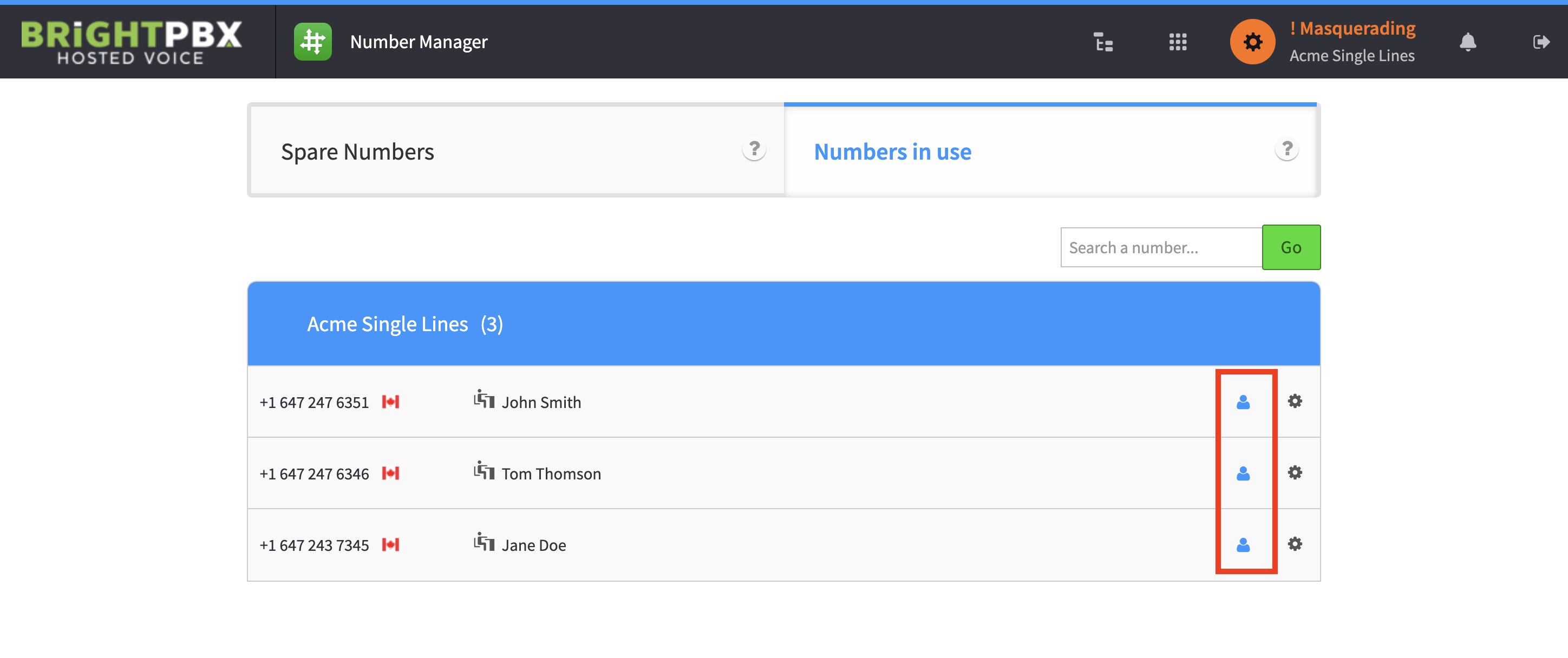
At this point, users in the account can effectively be treated as if they are individual & separate accounts. Calls arrive directly to them, and calls made from their number use their own caller ID and name.