How do I set a distinctive ringtone?
-
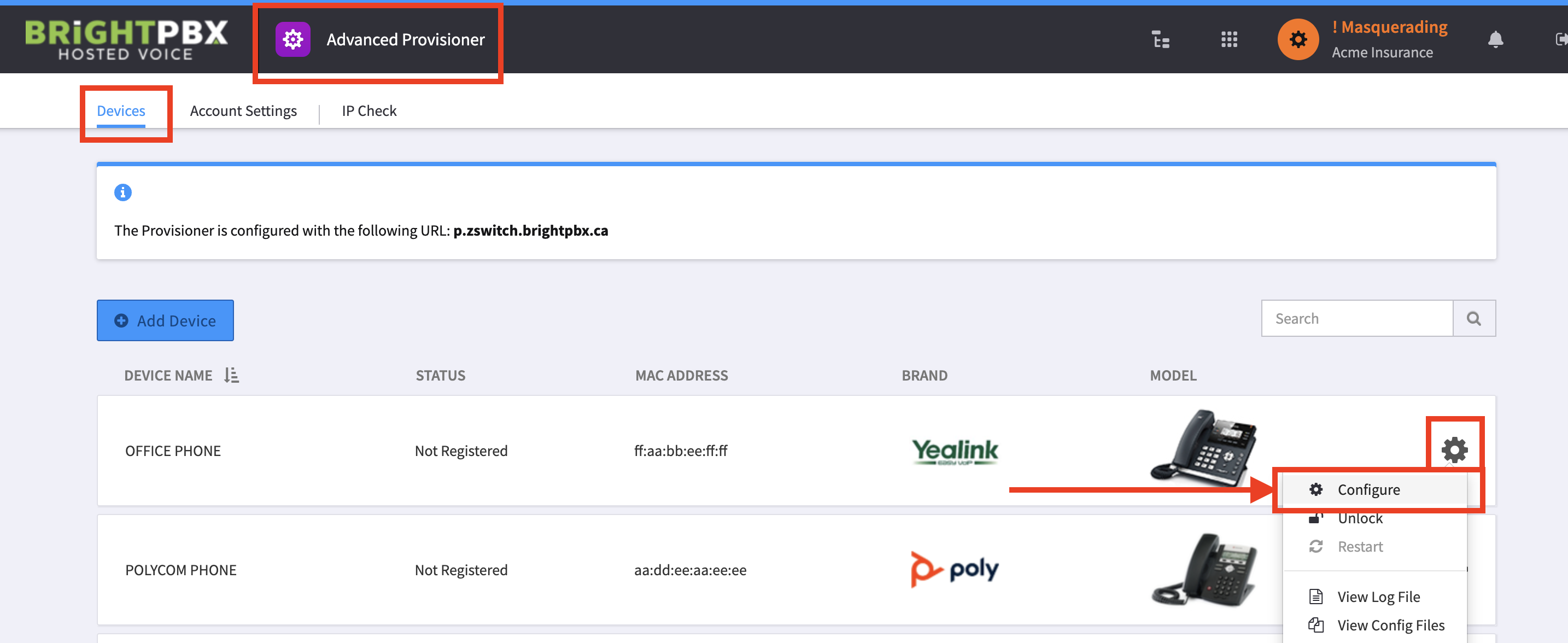
Open Advanced Provisioner, and choose Devices.
-
Click the gear icon for the device you want to modify, and choose Configure.
-
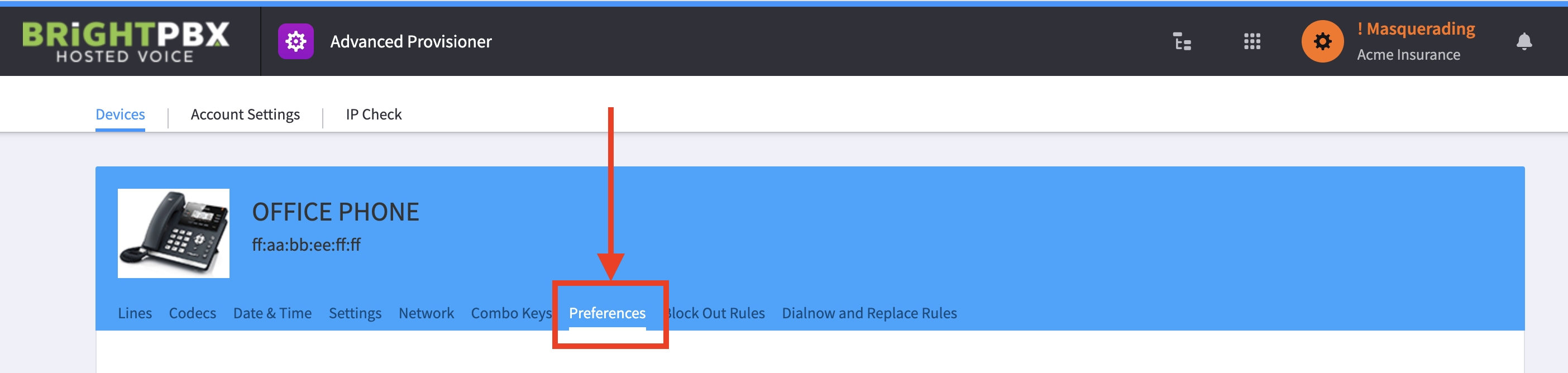
Choose Preferences.
-
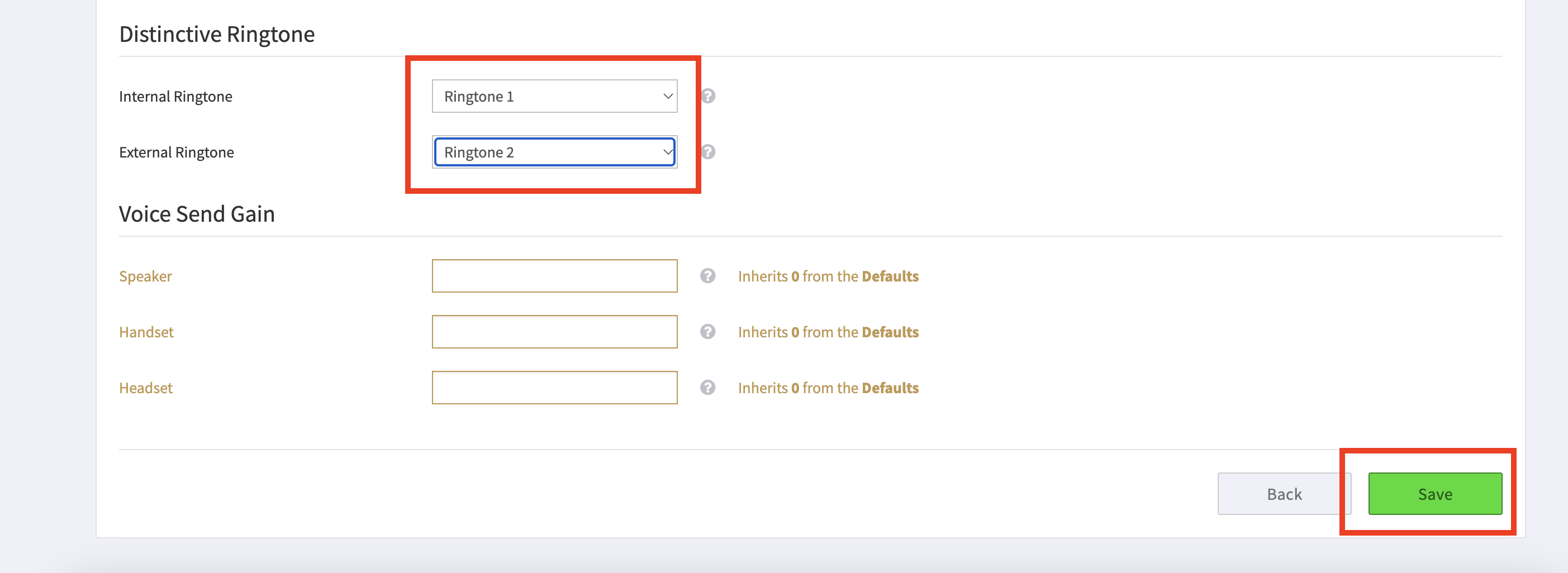
Scroll down to the Distinctive Ringtone section, and edit Internal Ringtone and External Ringtone as desired.
-
Once completed, click Save.