How do I configure what happens for incoming calls?
Set your office hours
Section titled “Set your office hours”-
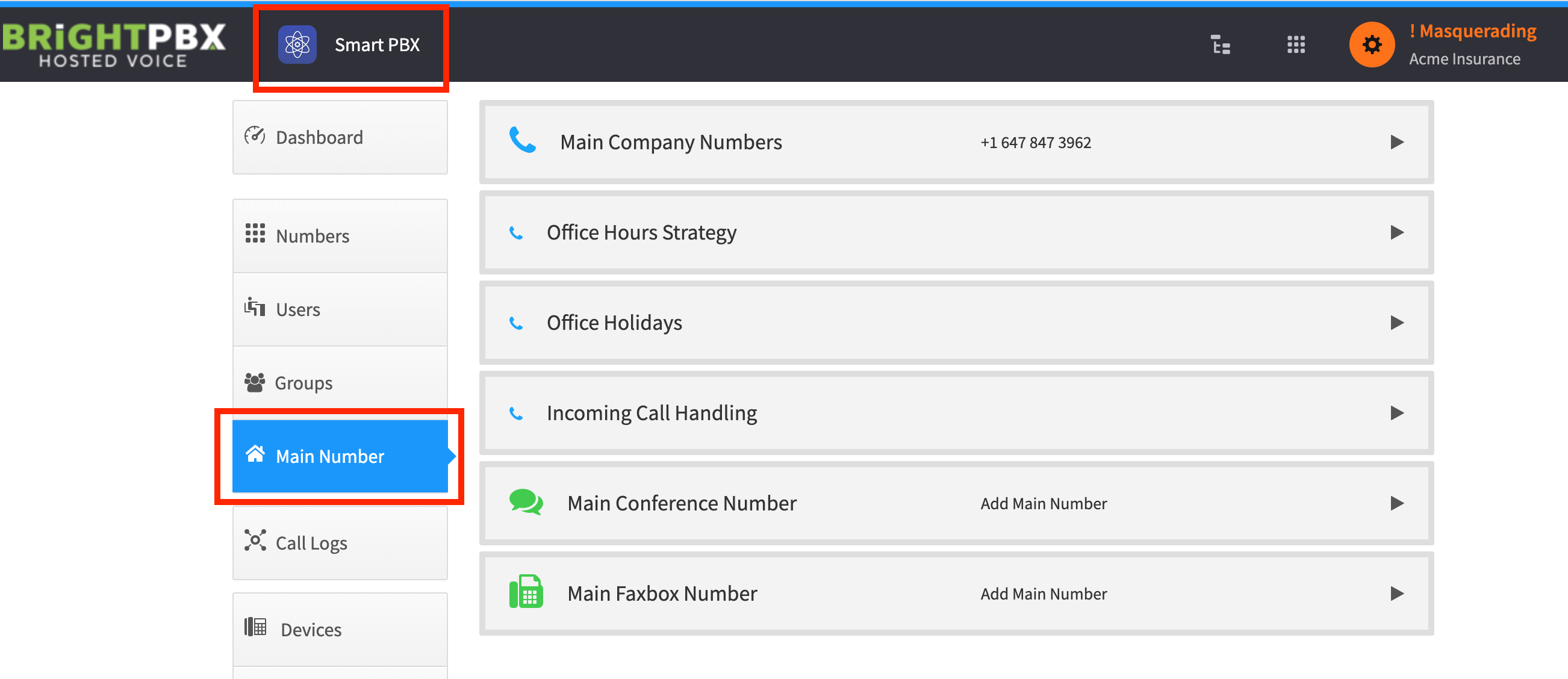
From the Smart PBX app, choose Main Number
-
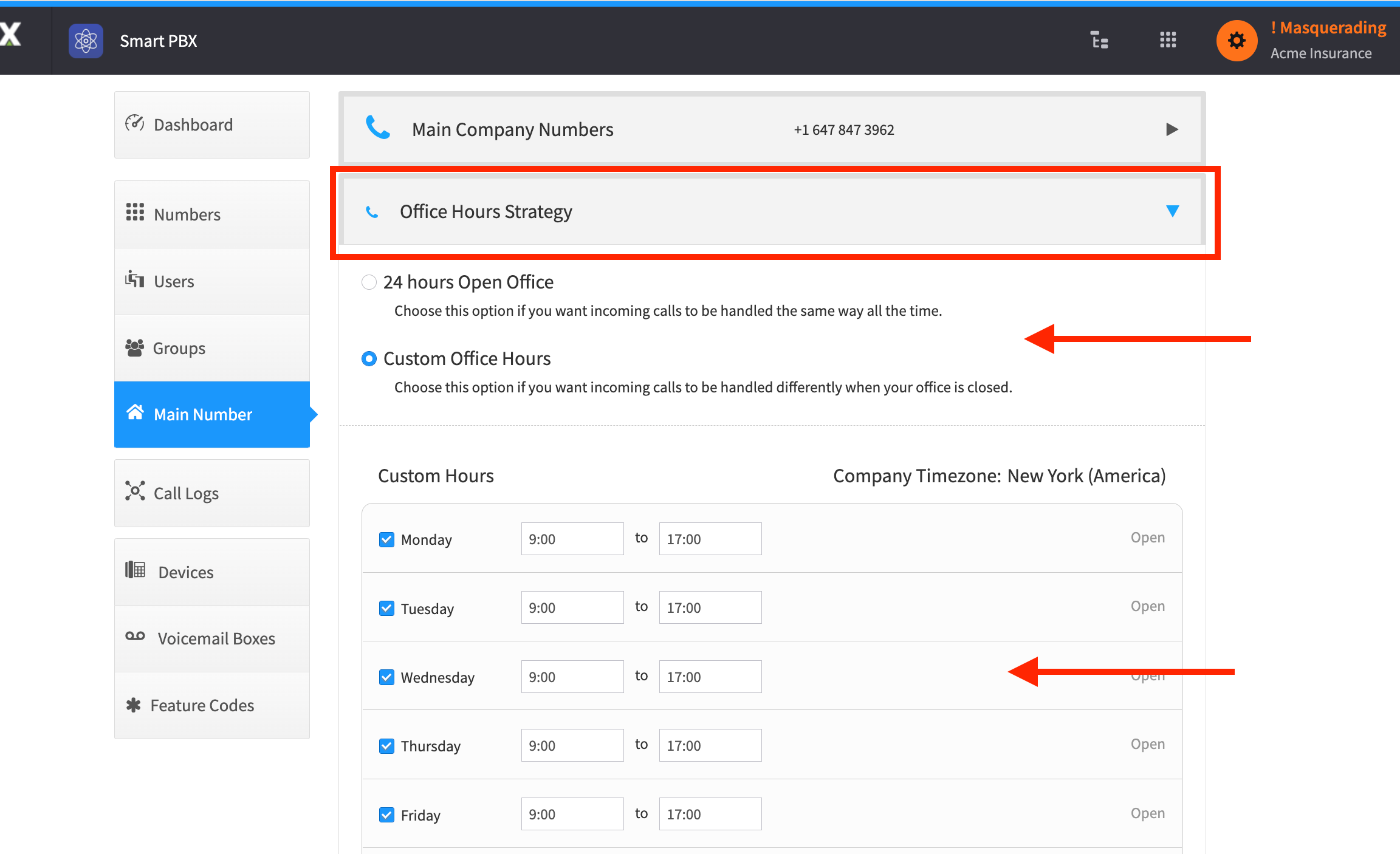
Optionally, handle the call differently depending on whether it arrives during business hours, after hours, or on holidays. Open the Office Hours Strategy panel to configure what counts as open versus closed.
Route the calls
Section titled “Route the calls”-
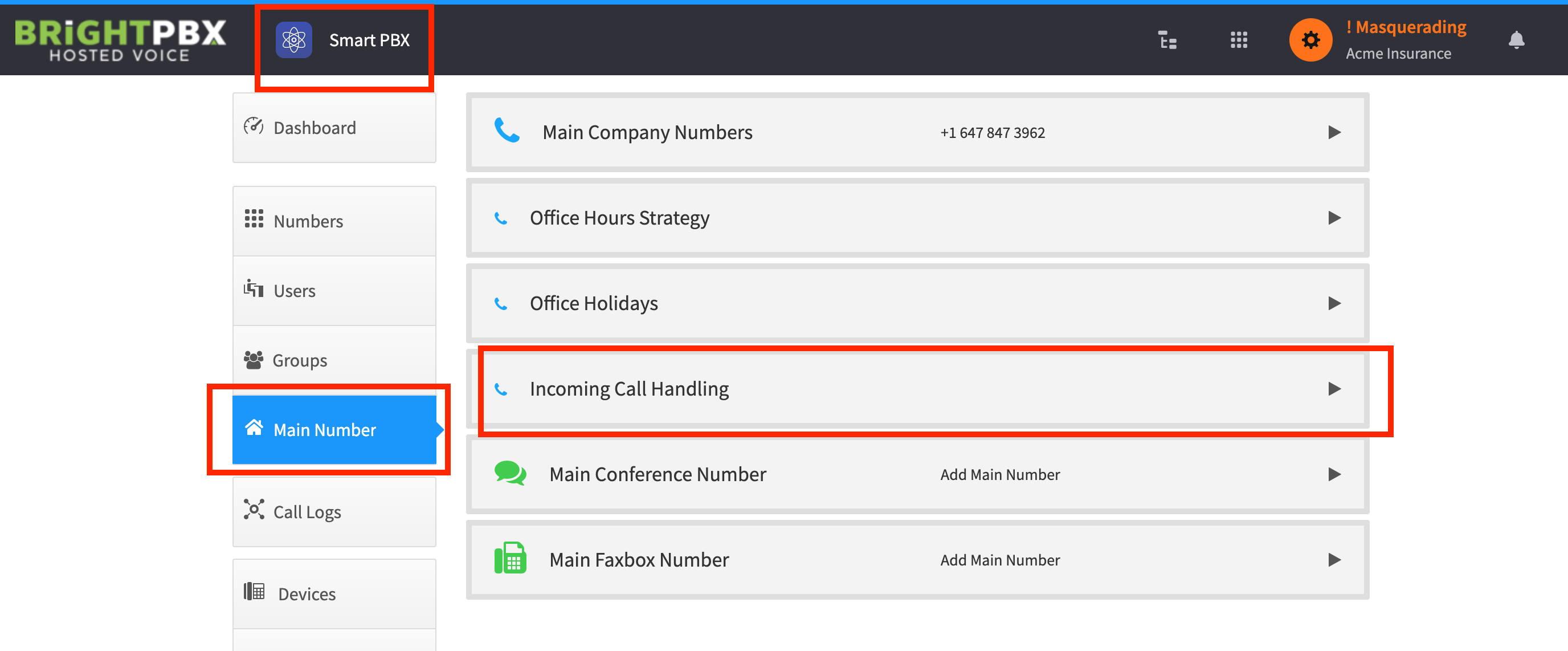
Once you have configured your office hours and holidays — or decided not to — click the Incoming Call Handling panel
-
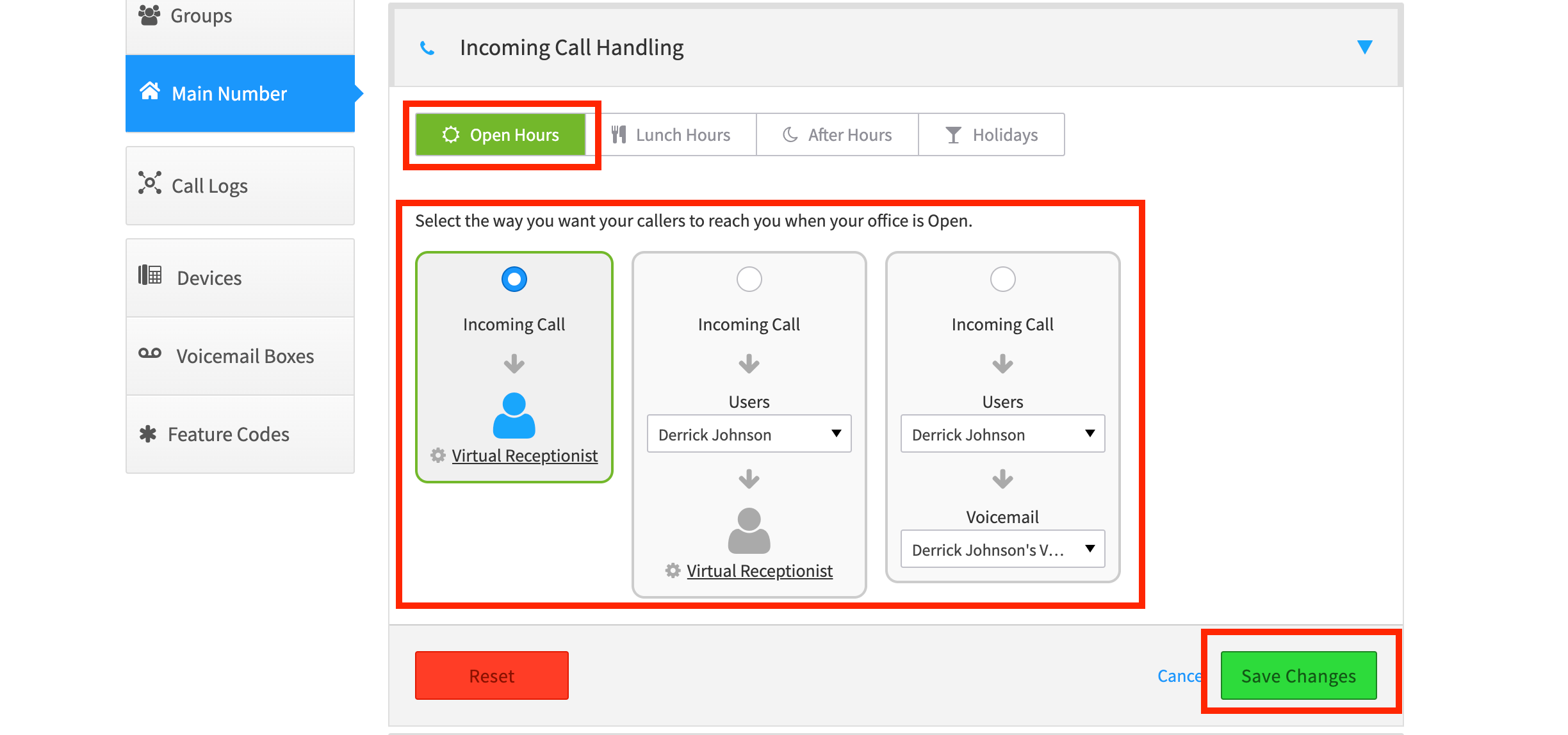
Choose the route you want to configure: Open Hours, Lunch, After Hours, or Holidays. If you did not configure separate routes, choose Open Hours.

-
Choose from three ways to direct the call, and click Save Changes
Choosing a destination
Section titled “Choosing a destination”If you will be using the Virtual Receptionist — called an IVR on some platforms — see Configuring the Virtual Receptionist (IVR) for details on setting it up.
You are not required to use the Virtual Receptionist. For example, you can simply direct calls to a Ring Group instead.
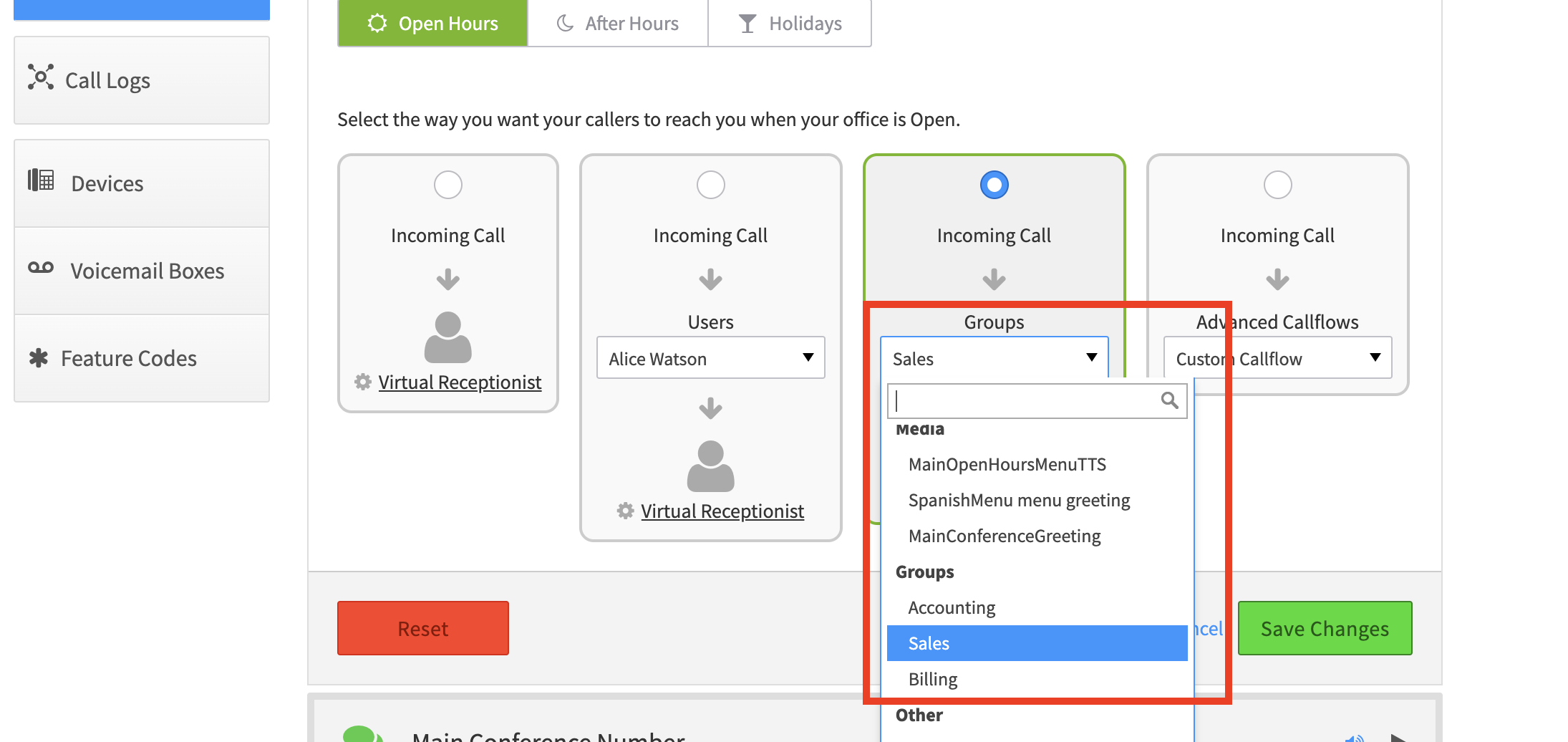
See Setting up a ring group for setting those up.