Setting the number of rings until voicemail
-
Open the Smart PBX app, click Users, and click the user you would like to edit
-
Change the Ring Timeout to your desired value and click Save
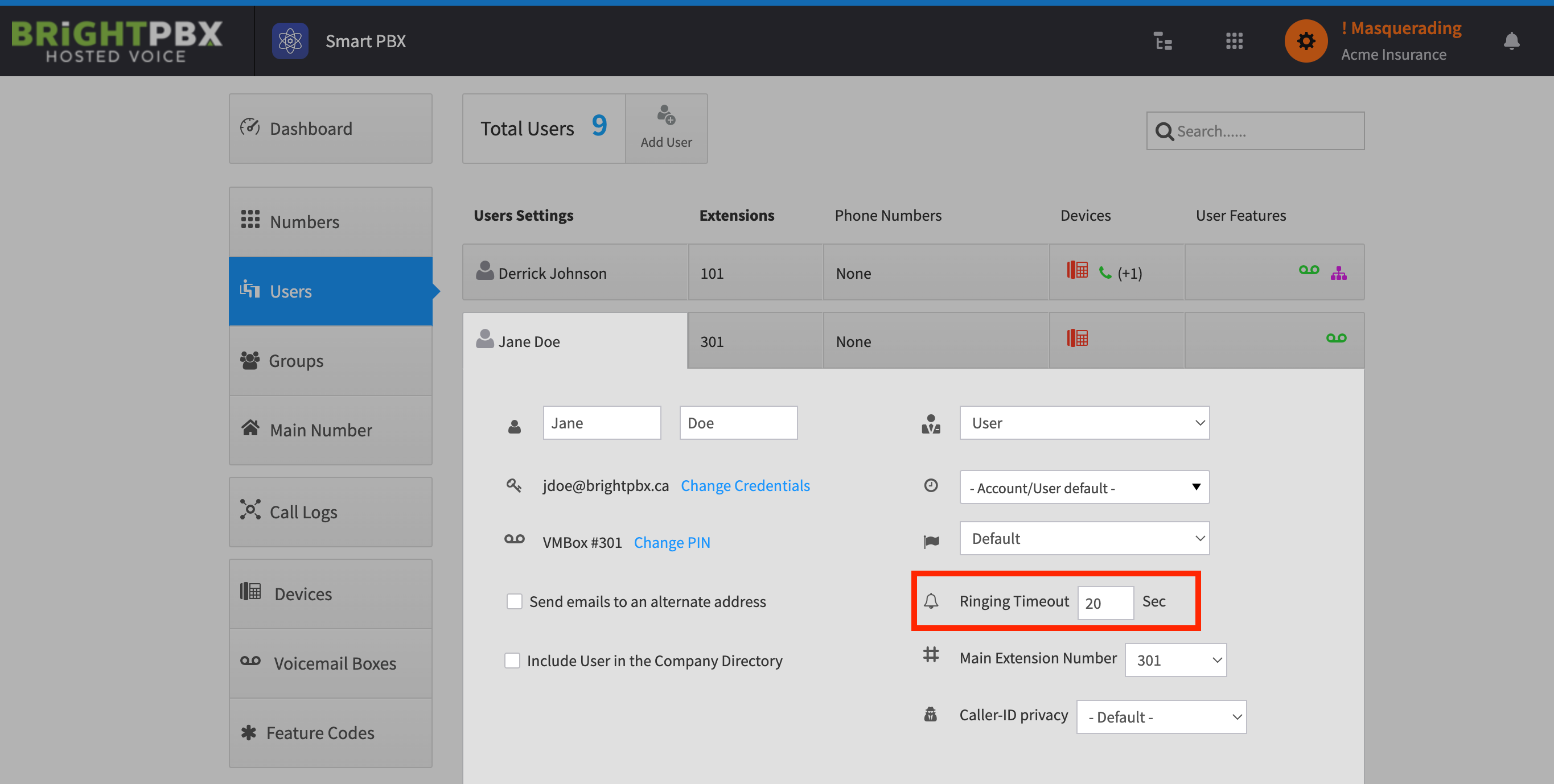
Open the Smart PBX app, click Users, and click the user you would like to edit
Change the Ring Timeout to your desired value and click Save